Batch Workflow for Creators: One Session, Multiple Assets
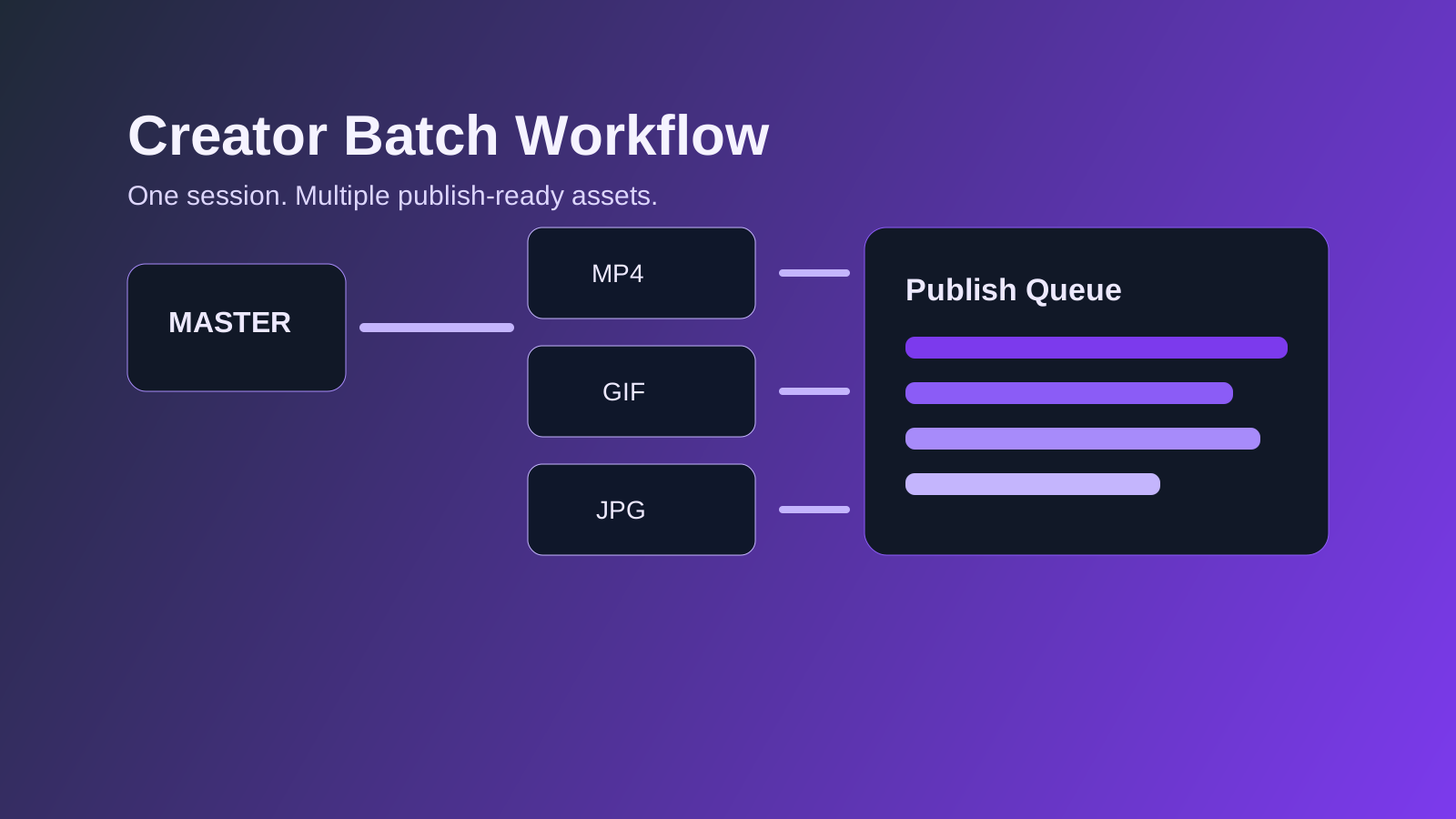
Batch Workflow for Creators
Creators lose time when they edit assets one by one. A better approach is batch planning: one source session, multiple outputs with fixed presets.
Why batch beats one-off editing
Batch workflows improve three things immediately:
- Consistency: outputs look like one brand system.
- Speed: less context switching.
- Throughput: more formats from the same source material.
Step 1: Define outputs before editing
Before touching any tool, list what you need:
- Social clip (MP4)
- Reaction GIF
- Thumbnail image
- Optional PDF one-pager
When outputs are known upfront, crop and composition decisions are much easier.
Step 2: Create one "master" edit
Use your highest-quality source and build one clean master.
- Trim once.
- Fix orientation/color once.
- Keep a neutral aspect ratio before branching.
The master acts as your single source of truth.
Step 3: Branch by platform needs
From the master, generate variants:
- Resize Video for platform aspect ratios.
- Video to GIF for loopable highlights.
- Compress Image for thumbnails.
- Convert tools for format compatibility.
Name outputs clearly to avoid confusion.
Step 4: Apply preset naming conventions
Use deterministic naming so teams can automate uploads.
Example:
- campaignA_master_v03.mp4
- campaignA_social_1080x1080_v03.mp4
- campaignA_reaction_560w_v03.gif
- campaignA_thumb_1280x720_v03.jpg
Step 5: Quality gate before publish
Run a quick final check:
- Visual sharpness at actual display size
- Audio sync for video variants
- GIF loop smoothness
- File-size sanity for each channel
Minimal weekly workflow template
- Monday: collect raw material
- Tuesday: create master edit
- Wednesday: generate variants
- Thursday: QA + scheduling
- Friday: review analytics and refine presets
Final note
Batch workflows scale better than hero editing. Once presets and naming are standardized, your team spends more time on creative decisions and less time on repetitive output work.