Hotel Room Turnover Photo Packets: A Practical Image-to-PDF Guide for Housekeeping Leads
Create clear hotel room turnover photo packets for housekeeping, maintenance, and guest claims using practical image sorting, compression, OCR, and PDF handoff steps.
Hotel Room Turnover Photo Packets: A Practical Image-to-PDF Guide for Housekeeping Leads
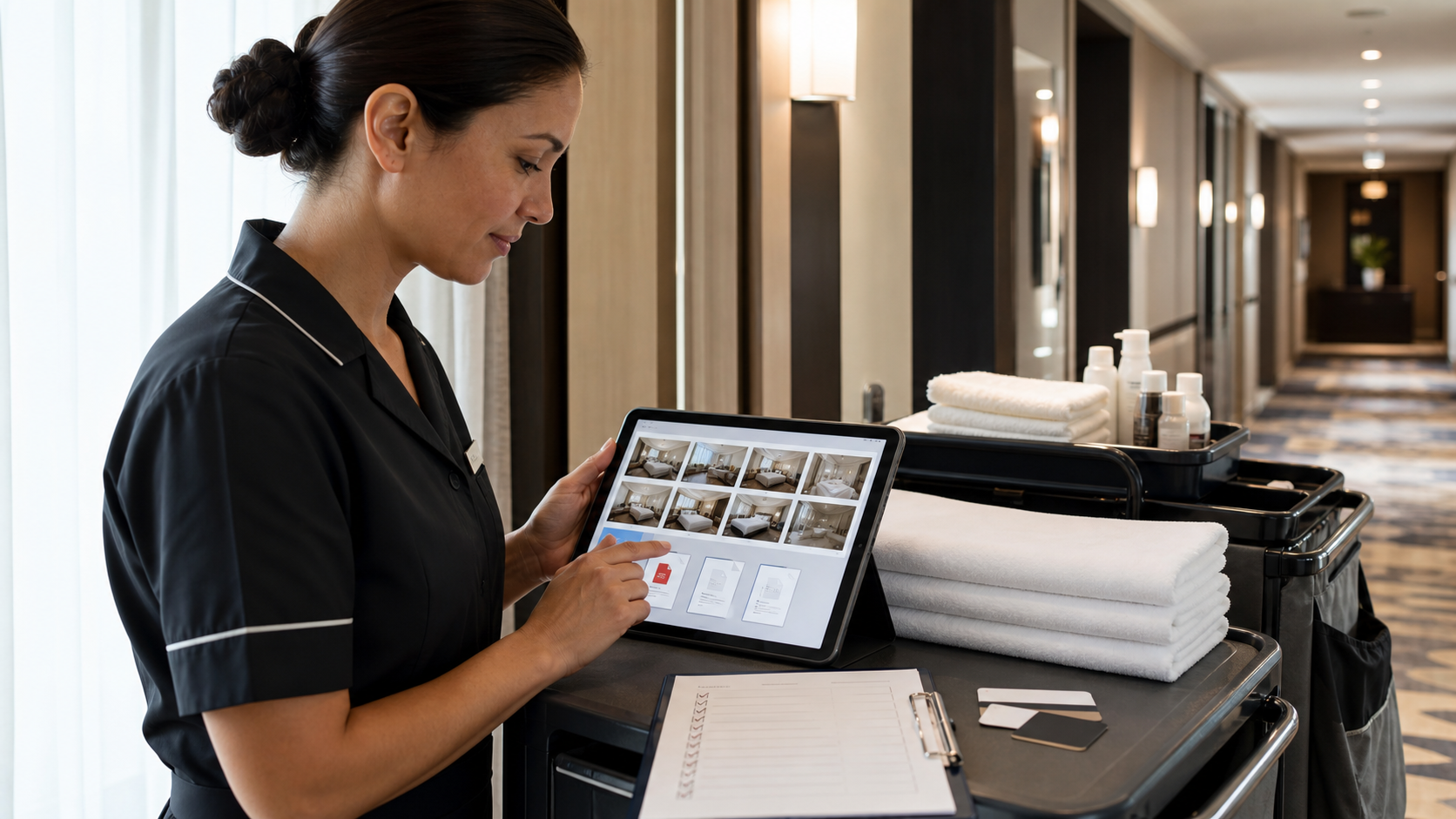
Hotel room turnover documentation usually starts as a handful of quick phone photos: the bed after cleaning, the bathroom counter, a scuffed wall, a missing remote, a minibar restock, or a stain that needs manager approval. Those photos are useful in the moment, but they become messy fast when they live across chat threads, camera rolls, shared drives, and maintenance tickets.
A turnover photo packet solves a specific problem: it turns scattered room evidence into a compact, readable record that another person can inspect without being present. For hotels, serviced apartments, guesthouses, and short-stay operators, that record can support housekeeping quality checks, maintenance triage, lost-and-found questions, guest damage claims, vendor follow-up, and recurring training.
This guide focuses on small and mid-sized teams that do not have custom inspection software. The goal is a practical packet that can be created from everyday photos, exported as a PDF, and shared with front desk, housekeeping, maintenance, or management without layout software. ConvertAndEdit tools such as Image to PDF, Compress Image, Resize Image, Image OCR, and AI Photo Editor can support different parts of the preparation, but the bigger value comes from a consistent structure.
Why Room Turnover Photos Need More Than a Camera Roll
A camera roll is chronological, not operational. It records the order in which someone took pictures, not the order in which another person needs to understand the room. That distinction matters during busy checkout windows.
A supervisor reviewing ten rooms does not want to decode 140 similar images. Maintenance does not need glamour shots of the bed when the issue is a cracked shower tile. Front desk does not need five duplicate photos of a remote control when answering a guest dispute. A cleaner coming back to fix an issue needs the exact location, the severity, and the room context.
Poorly organized photo evidence creates predictable friction:
- Duplicate images make packets feel unreliable.
- Crooked photos hide details such as stains, cracks, and missing amenities.
- Oversized files slow down messaging and shared drive uploads.
- Screenshots and photos mixed together lose context.
- Room numbers typed only in chat become separated from the image.
- Staff cannot tell whether a photo was taken before cleaning, after cleaning, or after a guest complaint.
A good packet does not need to be beautiful. It needs to be complete, compact, and easy to scan. The best version feels like a room inspection log, not a photo dump.
What a Turnover Photo Packet Should Prove
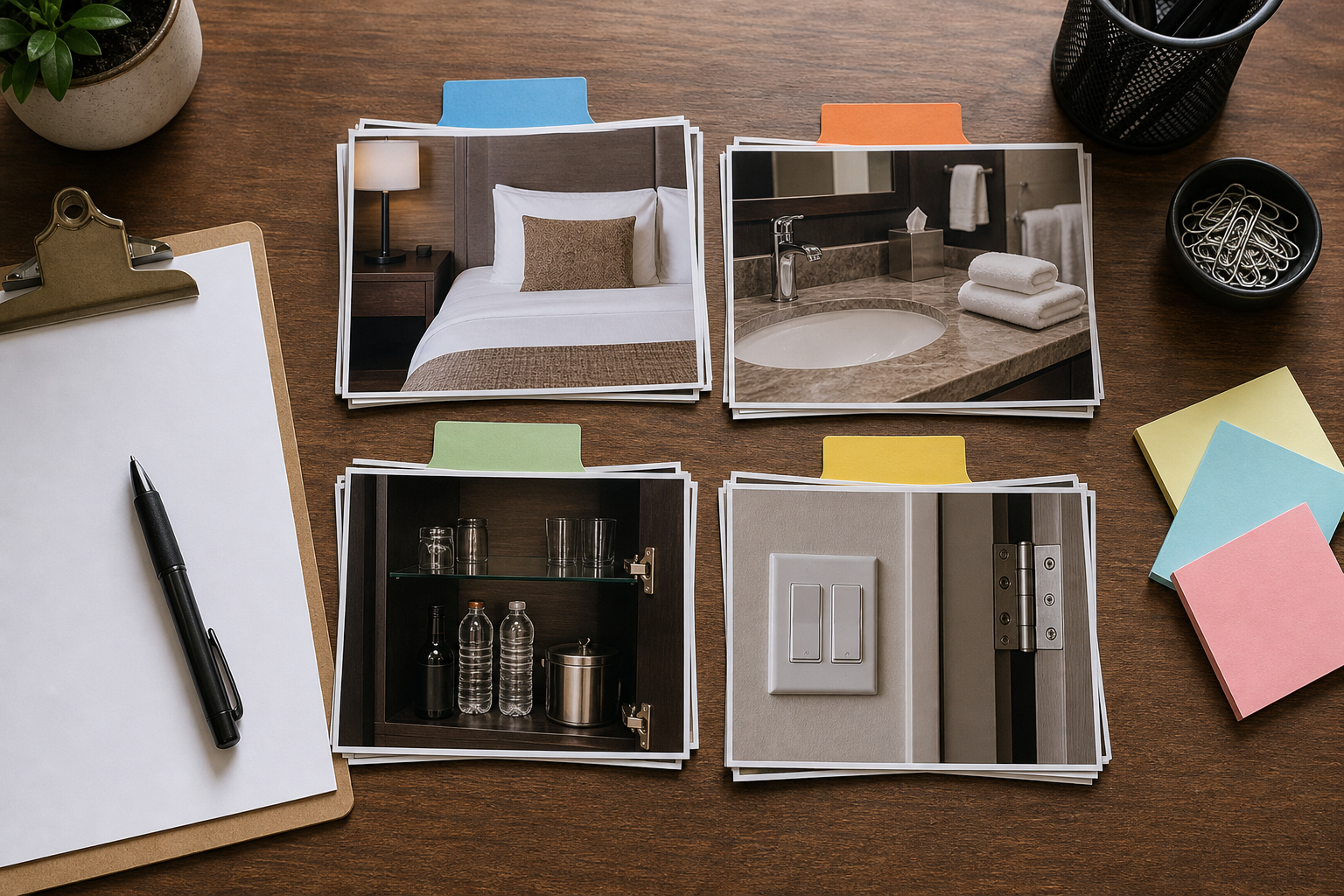
Before building packets, define what they are supposed to prove. Different hotels document different things, and the packet should match the decision someone will make later.
For a normal checkout and cleaning signoff, the packet should prove that the room was left ready for the next guest. For a maintenance escalation, it should prove exactly what needs attention and where. For a damage claim, it should show condition, scale, and timing as clearly as possible.
A practical turnover packet usually needs these evidence categories:
| Category | What to capture | Why it matters |
|---|---|---|
| Room context | Door area, room number marker if allowed, wide view from entry | Confirms the packet belongs to the correct space |
| Sleeping area | Bed, nightstands, lamps, visible floor area | Shows readiness and missing items |
| Bathroom | Sink, toilet, shower, mirror, towels, amenities | Supports cleanliness checks and maintenance reports |
| Surfaces | Desk, minibar, wardrobe, windowsill, shelves | Reveals residue, damage, or missing stock |
| Damage details | Close-up plus a wider location photo | Prevents confusion about scale and placement |
| Restock items | Minibar, coffee station, toiletries, linens | Helps inventory and charge review |
| Exceptions | Anything that blocked completion | Creates a clear handoff for follow-up |
The close-up plus context rule is especially important. A close-up of a scratched table proves a scratch exists, but it may not prove which table or which room area it belongs to. A wider photo without a close-up may show location but not severity. Use both when the issue could become a cost, repair, or guest conversation.
Decide Which Packet Type You Are Making
Not every room needs the same level of documentation. A suite with a disputed smoking fee deserves a different packet from a standard daily quality check. Use packet types so staff know how many photos to take and how much cleanup is worth doing.
| Packet type | Best for | Typical length | Detail level |
|---|---|---|---|
| Standard turnover | Routine cleaned room signoff | 6 to 12 images | Wide views and key areas |
| Exception packet | Room not ready, missing item, stain, odor note | 8 to 18 images | Context plus issue close-ups |
| Damage packet | Broken furniture, wall marks, burn marks, flooding | 12 to 30 images | Scale, angles, timestamps if available |
| Maintenance handoff | Repair request for engineering or vendor | 4 to 12 images | Problem location and access constraints |
| Training packet | Coaching new staff on standards | 10 to 25 images | Good examples and common misses |
A simple rule works well: standard packets document readiness; exception packets document decisions. If someone may need to approve, charge, repair, explain, or dispute something later, create the more detailed version.
Capture Photos That Survive Review
The quality of the final PDF depends on the source photos. Editing can improve clarity, but it cannot fully recover missing angles, bad focus, or an absent context shot.
Use a stable capture pattern that staff can repeat during a busy shift:
- Start at the door and take one wide photo into the room.
- Move clockwise around the main area.
- Capture the bed, bedside tables, desk, wardrobe, window area, and floor.
- Photograph the bathroom from the entrance before close-ups.
- Capture restock zones such as minibar, coffee station, towels, and toiletries.
- For every exception, take one wide photo and one close-up.
- End with a final ready-room photo if the room is cleared for release.
Lighting matters more than camera model. Turn on all room lights before taking photos. Open curtains only if the outside brightness does not wash out the interior. Avoid using flash against mirrors, chrome fixtures, and glossy tile when it creates glare. If bathroom mirrors are unavoidable, angle the phone slightly so the camera and staff member are not the center of the image.
For small issues, add scale without clutter. A room key card, pen, or gloved fingertip near a mark can help show size, but do not cover the problem. For liquids, stains, or broken glass, prioritize safety and hotel policy first. The photo is secondary to securing the area.
Clean Images Without Changing the Evidence
Turnover photos are operational records, so edits should improve readability without changing the meaning of the image. The standard should be: make the photo easier to inspect, not more flattering.
Acceptable cleanup usually includes:
- Cropping out empty ceiling or floor area.
- Rotating sideways photos upright.
- Increasing brightness enough to reveal details.
- Reducing shadows that hide a defect.
- Blurring unrelated guest personal information when policy requires it.
- Removing duplicate or accidental shots.
Avoid edits that could weaken trust:
- Do not remove stains, damage, clutter, or missing items from evidence photos.
- Do not use beauty-style retouching on room condition images.
- Do not alter colors when the color of a stain, burn, or material matters.
- Do not crop so tightly that location becomes unclear.
- Do not mix before and after images without labeling them in the surrounding file names or packet order.
If a photo needs a small clarity improvement, the AI Photo Editor can be useful for non-evidence presentation images, such as training examples or internal visual guides. For claim, damage, and maintenance packets, keep edits conservative and preserve the original image separately when your policy requires it.
Name Files So Humans Can Sort Them
File names are boring until something goes wrong. Then they become the difference between a quick answer and a long search.
A practical naming pattern should sort naturally and tell a reviewer what they are seeing before the image opens. Use short, consistent components:
room-date-stage-sequence-area-note
Examples:
214-2026-07-04-after-01-entry-wide.jpg214-2026-07-04-after-02-bed-ready.jpg214-2026-07-04-exception-03-bathroom-tile-crack.jpg214-2026-07-04-maintenance-04-desk-lamp-cord.jpg
The sequence number is more important than it looks. Without it, file managers may sort bathroom before bed or close-up before context. With it, the PDF order stays predictable.
For teams that receive photos from multiple phones, ask staff not to rely on default camera names such as IMG_4821. Those names are unique, but they do not explain anything. Rename at least the images used in the final packet.
Resize Before Turning Photos Into PDFs
Modern phones create large images. A dozen high-resolution room photos can become a PDF too heavy for email, messaging apps, or property management notes. Shrinking the packet after PDF creation can work, but resizing images first gives you better control.
Use Resize Image when the photos are far larger than needed for screen review. For most housekeeping packets, the reviewer does not need a 12 megapixel original. A long edge around 1600 to 2200 pixels is often enough for readable room condition review while keeping file size reasonable.
Use Compress Image when the dimensions are fine but the file is still heavy. Compression is especially helpful for sets with many similar room views, bedding photos, or wall surfaces. Check details after compression: thin cracks, faint stains, small labels, and screen displays can become muddy if compression is too aggressive.
A simple image preparation rule:
| Use case | Suggested preparation |
|---|---|
| Routine room signoff | Resize large photos, moderate compression |
| Damage claim | Resize carefully, light compression, keep originals |
| Maintenance ticket | Crop for clarity, resize to share easily |
| Training packet | Resize all images consistently |
| Archive record | Keep original set plus a compressed PDF copy |
The point is not to make files tiny at all costs. The point is to keep them light enough to move while preserving the evidence a person actually needs.
Build the Packet in a Repeatable Order
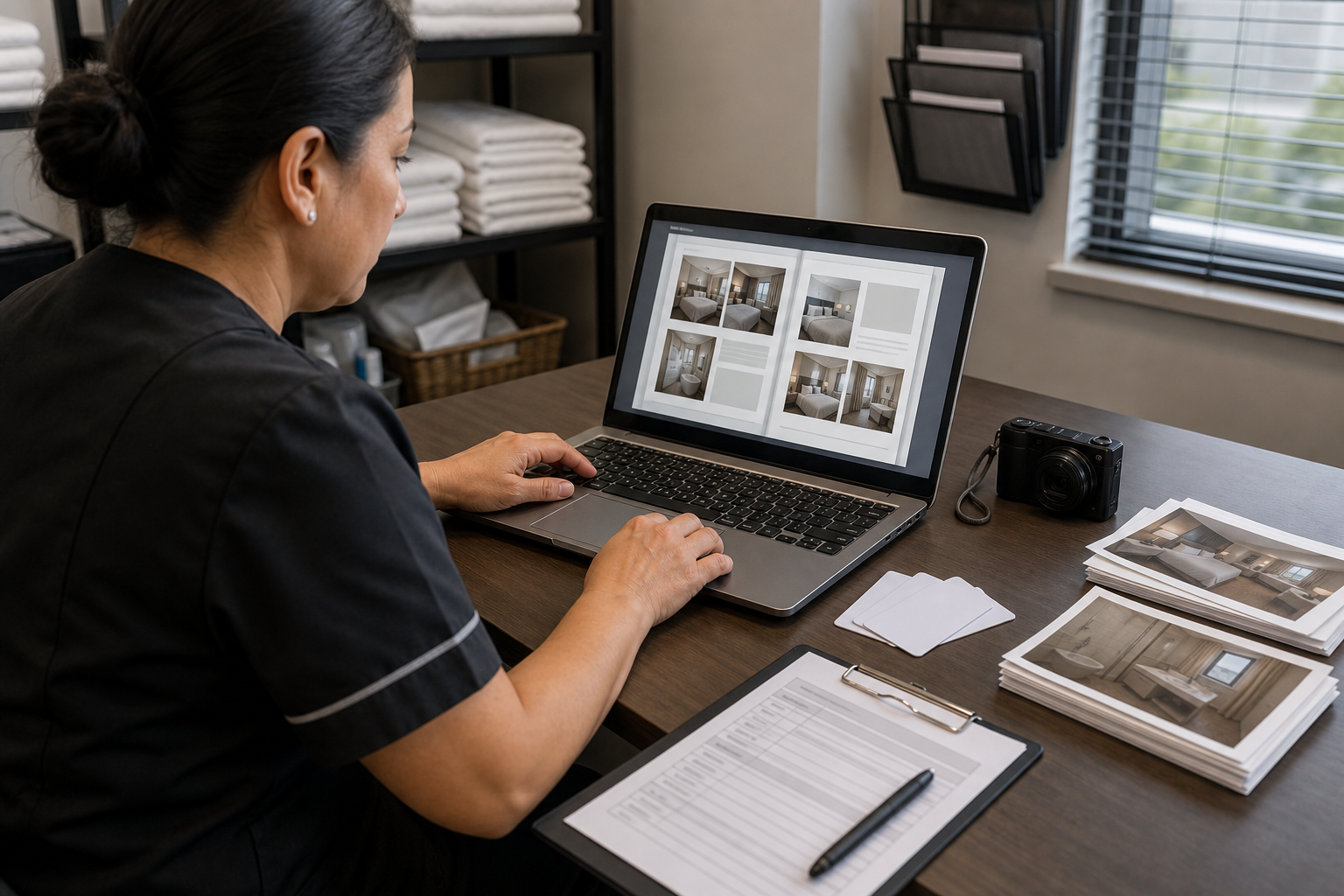
Once images are selected, cleaned, and named, combine them into a single PDF with Image to PDF. The order should match how a reviewer thinks through the room.
A dependable packet order is:
- Entry or room context image.
- Main sleeping area wide photo.
- Bed and bedside details.
- Desk, seating, wardrobe, and surfaces.
- Bathroom wide photo.
- Bathroom detail photos.
- Restock and amenity photos.
- Exceptions, each with context before close-up.
- Final ready-room image if applicable.
Do not bury exceptions at random points in the packet. If the packet is primarily a maintenance or damage record, put a context image first, then move directly into the issue. A manager should not need to scroll through ten clean-room photos to find the broken hinge.
When creating the PDF, use one image per page unless you are making a compact proof sheet. One image per page is easier for inspection because details are larger. A grid can be useful for quick room signoff, but it is weaker for small defects.
For larger batches, consider making one PDF per room rather than one giant PDF per floor. Room-level packets are easier to attach to tickets, archive by date, and forward to the right person. If a floor summary is needed, combine selected room PDFs afterward with a PDF merge tool such as PDF Merge.
Use OCR When Photos Contain Labels, Screens, or Serial Details
Most room photos are visual evidence, but some include text that should become searchable. Examples include appliance labels, thermostat error screens, minibar product labels, safe error messages, laundry tags, router serial plates, and handwritten maintenance notes.
If a packet includes important text inside an image, use Image OCR before or alongside PDF creation. OCR can help extract the visible text so it can be pasted into a ticket, filename, spreadsheet, or note field.
Good OCR candidates in hotel turnover packets include:
- TV or thermostat error messages.
- Safe model numbers.
- Router or access point labels.
- Appliance serial plates.
- Handwritten lost-and-found notes.
- Minibar item labels during stock disputes.
- Laundry or linen tags when tracking supplier issues.
OCR should not replace the photo. It supports the photo by making text easier to copy and search. If OCR output is imperfect, correct it manually before relying on it in a ticket or claim note.
Protect Guest Privacy in Shared Packets
Room turnover photos can accidentally capture guest information. This is one of the strongest reasons to review images before creating the PDF.
Look for privacy-sensitive details such as:
- Names on receipts, boarding passes, medication, tags, or notes.
- Phone numbers or email addresses on paper left behind.
- Passport, ID, or payment card fragments.
- Faces in mirrors or reflections.
- Personal messages visible on screens.
- Children, medical items, or other sensitive belongings.
If the purpose is housekeeping signoff, remove the image if it is not needed. If the image is necessary for lost-and-found, damage, or security review, follow your property policy for where it is stored and who can access it. For operational packets shared widely, crop or obscure irrelevant personal information before exporting.
Privacy review should happen before compression and PDF creation. Once a PDF has been forwarded, copied, and downloaded, fixing the source image is no longer enough.
Create Separate Packets for Before, After, and Exceptions
One common mistake is mixing before-cleaning, after-cleaning, and issue photos in a single unlabeled sequence. The result can make a clean room look dirty or make an old issue look newly created.
Use separate packet labels or separate PDFs when timing matters:
| Timing | Best use | Keep separate when |
|---|---|---|
| Before cleaning | Guest checkout condition, found items, obvious damage | There may be charges or disputes |
| During cleaning | Blocked areas, maintenance discoveries, deep-clean notes | The room was not ready yet |
| After cleaning | Release approval, supervisor signoff | The packet proves readiness |
| Exception follow-up | Repairs, re-cleaning, replacement items | A second team must act |
For a routine day, one after-cleaning packet may be enough. For a damage dispute, keep before and after evidence separate and clearly ordered. The cleaner's final ready-room photos are valuable, but they should not erase the importance of the initial condition record.
A Small-Hotel Example Packet
Imagine a 28-room independent hotel with a small housekeeping team and one maintenance technician. Room 306 checks out late. During cleaning, staff find a cracked bathroom shelf, a missing hair dryer bag, and a coffee spill on the desk chair.
A weak record would be three photos sent in chat with a message saying 306 problems. That may work for the next ten minutes, but it will be hard to search later.
A stronger packet would include:
- Entry view of room 306 after checkout.
- Bathroom wide photo showing shelf location.
- Close-up of cracked shelf.
- Desk area wide photo showing chair location.
- Close-up of coffee spill on chair fabric.
- Wardrobe or amenity area showing missing hair dryer bag location.
- Final photo after cleaning, if the room was released.
- Optional OCR extraction if an appliance label or repair part number is visible.
The images are renamed in sequence, resized to a practical dimension, lightly compressed, then converted into one PDF. The front desk can attach it to the room note. Maintenance can use the shelf photo without asking where the issue is. Management can review whether the chair needs cleaning, replacement, or a guest follow-up.
That is the real value of the packet: it reduces back-and-forth at the exact moment the hotel is busiest.
Quality Checklist Before Sending
Before sharing the final PDF, run a quick review. This is faster than explaining a confusing packet later.
Use this checklist:
- The room number or room context is clear.
- Photos are in the order a reviewer expects.
- Before, after, and exception images are not mixed without context.
- Each issue has both a location photo and a close-up.
- Duplicate or blurry images are removed.
- Personal guest information is removed or protected according to policy.
- File size is reasonable for the channel where it will be sent.
- Important text from labels or screens has been extracted if needed.
- The final PDF name includes room, date, and purpose.
A good final PDF name might be:
room-306-2026-07-04-exception-turnover.pdf
For routine signoff:
room-214-2026-07-04-after-cleaning.pdf
For a maintenance handoff:
room-118-2026-07-04-maintenance-bathroom-shelf.pdf
Common Mistakes That Make Packets Hard to Trust
The most damaging packet mistakes are usually small habits repeated across many rooms.
The first is over-cropping. A close-up of a mark may look clear, but without a wider photo, the reviewer cannot tell where it is. Always pair details with context for anything important.
The second is compressing too aggressively. Heavy compression can smear fabric stains, wall marks, hairline cracks, and small labels. If an issue is subtle, keep compression light or preserve a separate original.
The third is documenting only problems. For damage claims, a few normal-condition photos can matter because they show the surrounding room state and help distinguish isolated damage from general wear.
The fourth is sending images only through chat. Chat is useful for speed, but it is not a durable filing system. A PDF packet can still be shared in chat, but it also creates a record that can be stored by room and date.
The fifth is using one giant daily PDF for every room. That may seem efficient, but it becomes awkward when only one room needs to be forwarded to maintenance or management. Keep packets small and room-specific unless you are creating a supervisor summary.
Practical Tool Sequence
For most small hotel teams, this order keeps the job simple:
- Select only the useful photos.
- Rename them with room, date, sequence, and area.
- Rotate or crop obvious problems.
- Use Resize Image for oversized photos.
- Use Compress Image if the set is still heavy.
- Use Image OCR for labels, screens, or serial details.
- Convert the final image set with Image to PDF.
- Store and share the PDF using your property naming rules.
This sequence keeps the packet easy to review and easy to move. It also avoids the common problem of building a PDF first, then discovering that one image is sideways, private information is visible, or the file is too large to send.
Final Thoughts
Hotel room turnover photos are not just pictures of clean rooms. They are operational evidence. When they are scattered, oversized, duplicated, or stripped of context, they slow down the same teams they were meant to help.
A strong turnover photo packet is simple: the right photos, in the right order, at a shareable size, with enough context for another person to make a decision. For routine rooms, that may be a short readiness record. For exceptions, it becomes a clear handoff between housekeeping, maintenance, front desk, and management.
The best system is the one staff can repeat on a busy day. Start with a small packet standard, keep the edits honest, convert room-level image sets into PDFs, and reserve extra detail for claims, repairs, and training. Over time, those consistent packets become a quiet but valuable record of room condition, team communication, and service quality.