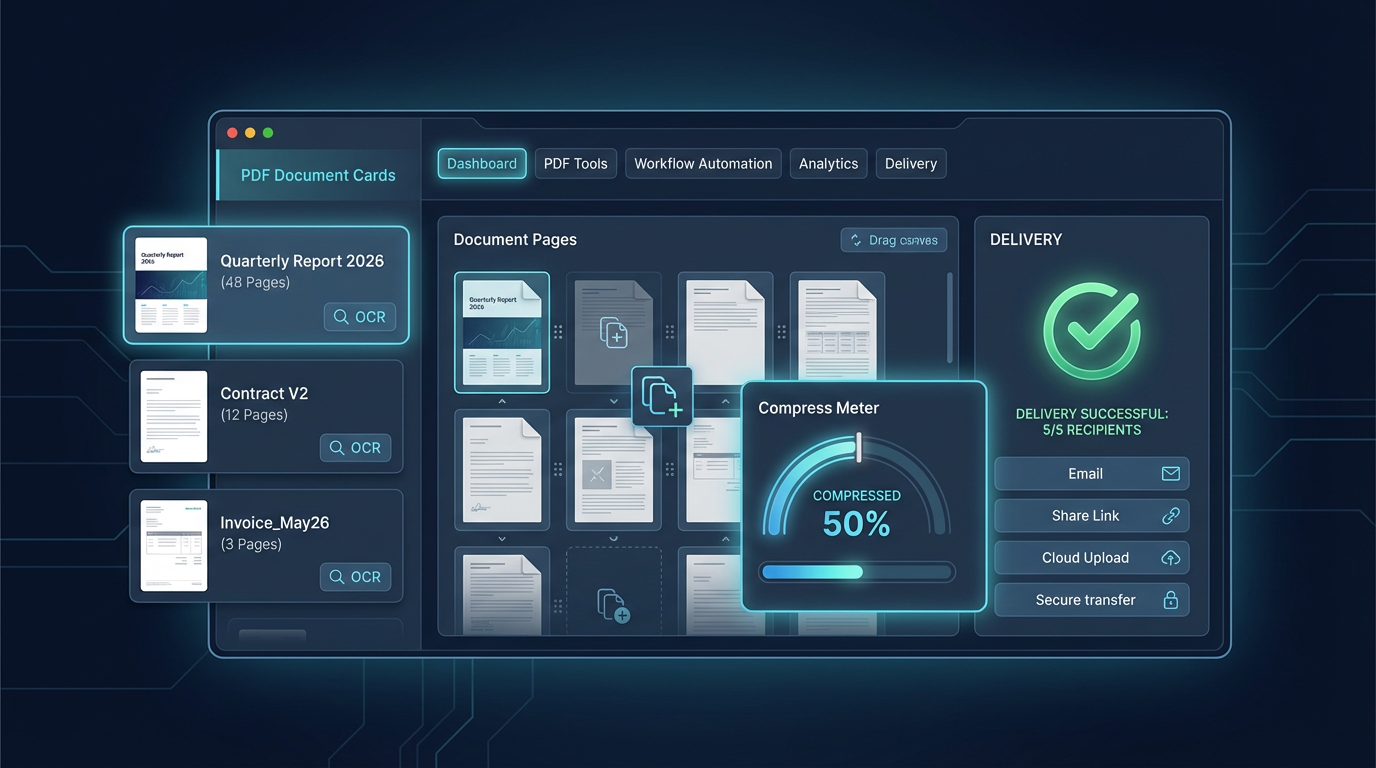
PDF Delivery Checklist: A Reliable Team Workflow for Clean Client Files
A simple PDF workflow for teams: merge, reorder, optimize, protect, and validate before delivery. Reduce back-and-forth with one repeatable checklist.
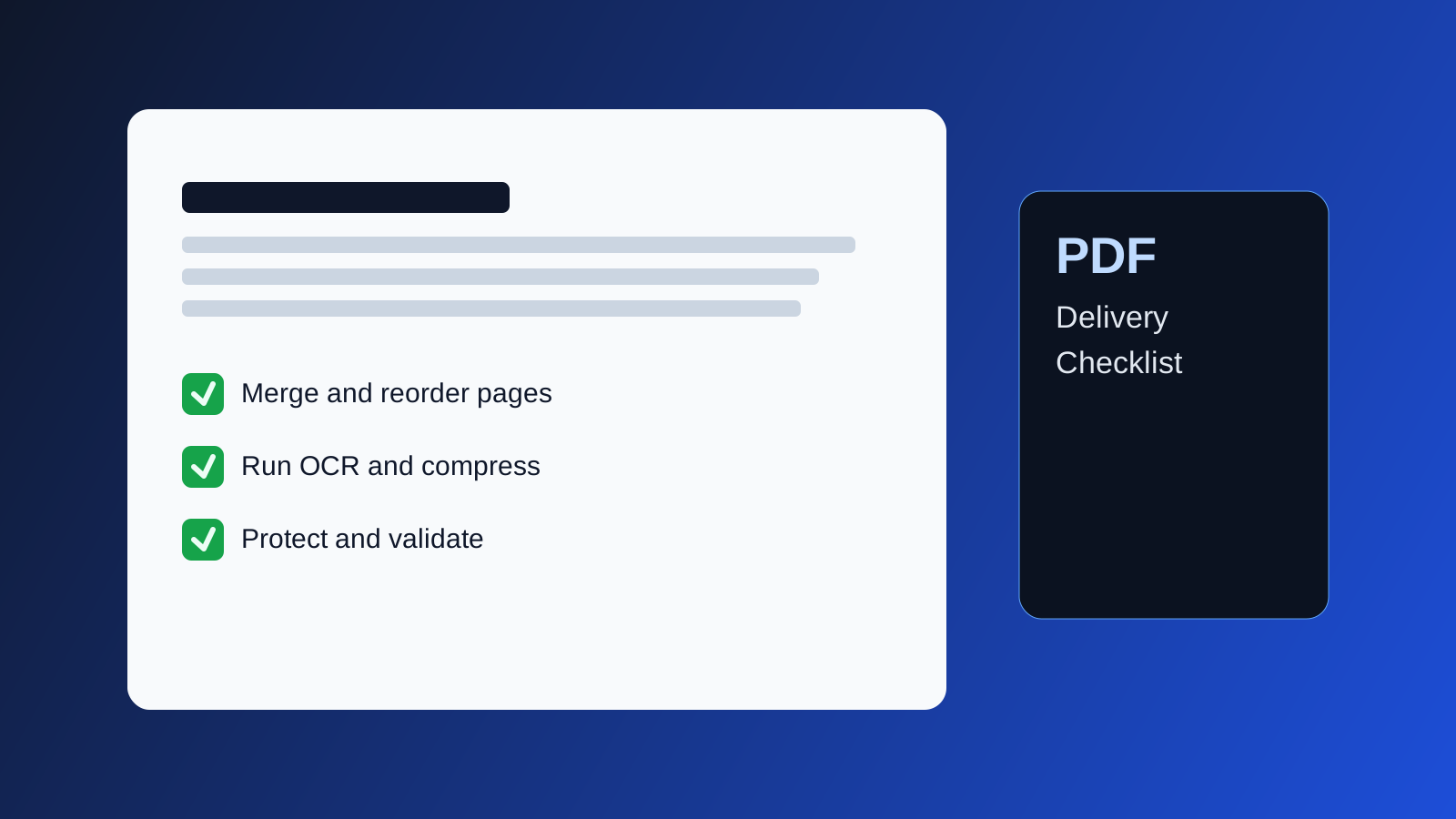
PDF Delivery Checklist
Most PDF issues are avoidable: broken page order, oversized files, missing OCR, or accidental metadata leaks. This checklist helps teams ship consistent PDFs to clients and partners.
1. Normalize inputs first
Collect all source files and convert everything to stable PDF pages before editing.
- Reject screenshots of documents when better originals exist.
- Standardize page size (A4 or Letter) when possible.
- Keep source versions in one folder for traceability.
2. Build structure before optimization
Create the final order first, then optimize.
Merge PDFto combine all parts.Reorder PDFto fix sequence.Rotate PDFandCrop PDFfor readability.
If structure changes later, repeat optimization at the end.
3. Make text searchable
If documents include scans or photos, run OCR early.
- Use
PDF OCRto enable search and copy/paste. - Spot-check names, numbers, and headings.
- Keep a manual fallback for complex tables.
4. Reduce file size without destroying readability
Large files slow approvals and email delivery.
- Use
PDF Compresswith a quality-first preset. - Prefer moderate compression for text-heavy files.
- For image-heavy docs, test visual artifacts page by page.
5. Apply access controls only at the end
Security settings should be the last major step.
Protect PDFfor passwords.PDF Permissionsto limit edits/printing.Unlock PDFonly when authorized.
Never circulate passwords in the same channel as the file.
6. Clean metadata and validate
Before sending:
- Check title/author fields in
PDF Properties. - Remove sensitive comments/annotations if needed.
- Run
Validate PDFfor structural issues.
Suggested handoff standard
- File name format:
client_project_vNN_date.pdf - Include one summary note with version, changes, and password channel.
- Archive the exact delivered copy.
Final note
A short checklist beats ad-hoc fixes. Teams that apply the same PDF flow every time spend less effort on rework and client corrections.