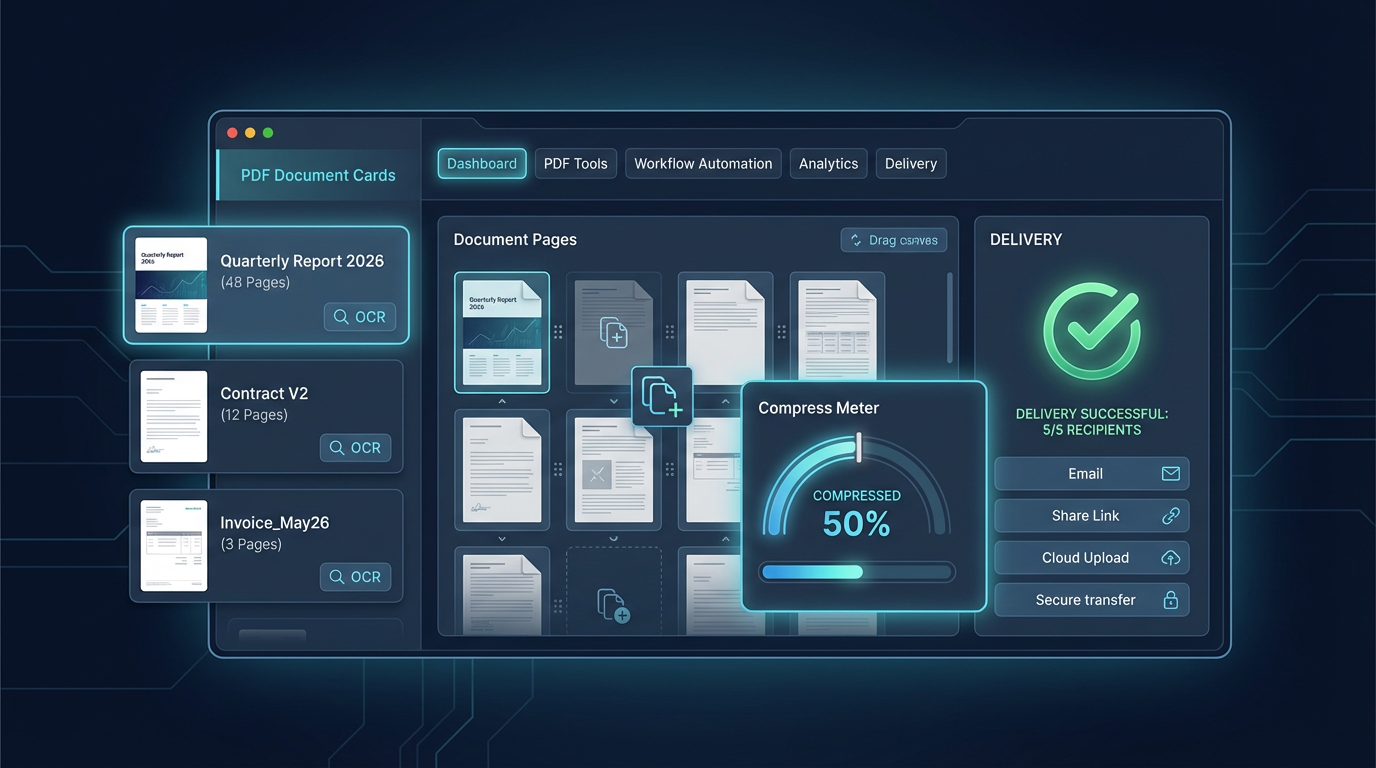
Smart Image Compression for Fast Websites: 2026 Practical Guide
A practical image pipeline for content teams: choose the right format, set quality targets, and publish faster pages without visible quality loss.
Smart Image Compression for Fast Websites: 2026 Practical Guide
Most teams still lose time because image optimization happens too late. The best workflow is to optimize before upload, not after launch.
This guide gives you a repeatable process that works for landing pages, blog posts, and tool previews.
1. Pick the right format first
If you skip this step, every later step is harder.
- Use AVIF for photos when supported.
- Use WebP as a broad fallback.
- Use PNG only for graphics that require transparency with sharp edges.
- Use JPG for legacy compatibility where needed.
2. Define quality targets by image type
A single quality number for all images creates either bloat or blur.
- Hero images: keep detail higher.
- Inline article images: medium quality is usually enough.
- Thumbnails: optimize aggressively.
A simple internal rule set is enough:
- Hero image under 250 KB
- Standard content image under 150 KB
- Thumbnail under 80 KB
3. Resize before compressing
Compressing a 3000px image for a 900px slot wastes bytes.
- Match source width to rendered width.
- Create 2x variants only where retina quality matters.
- Avoid shipping one oversized image to all devices.
4. Add a final QA pass
Run a quick visual and speed check before publishing.
- Compare original vs compressed at 100% zoom.
- Check LCP pages on mobile.
- Flag any over-compressed faces, text, or product shots.
Quick team checklist
- Format selected intentionally
- Width fits layout
- File size target reached
- Visual quality approved
- Page speed re-tested after publish
This process is simple, but when done consistently it gives a noticeable speed improvement and fewer design regressions.