Dark Mode Screenshot Preflight for Help Centers: A Practical Readability Guide
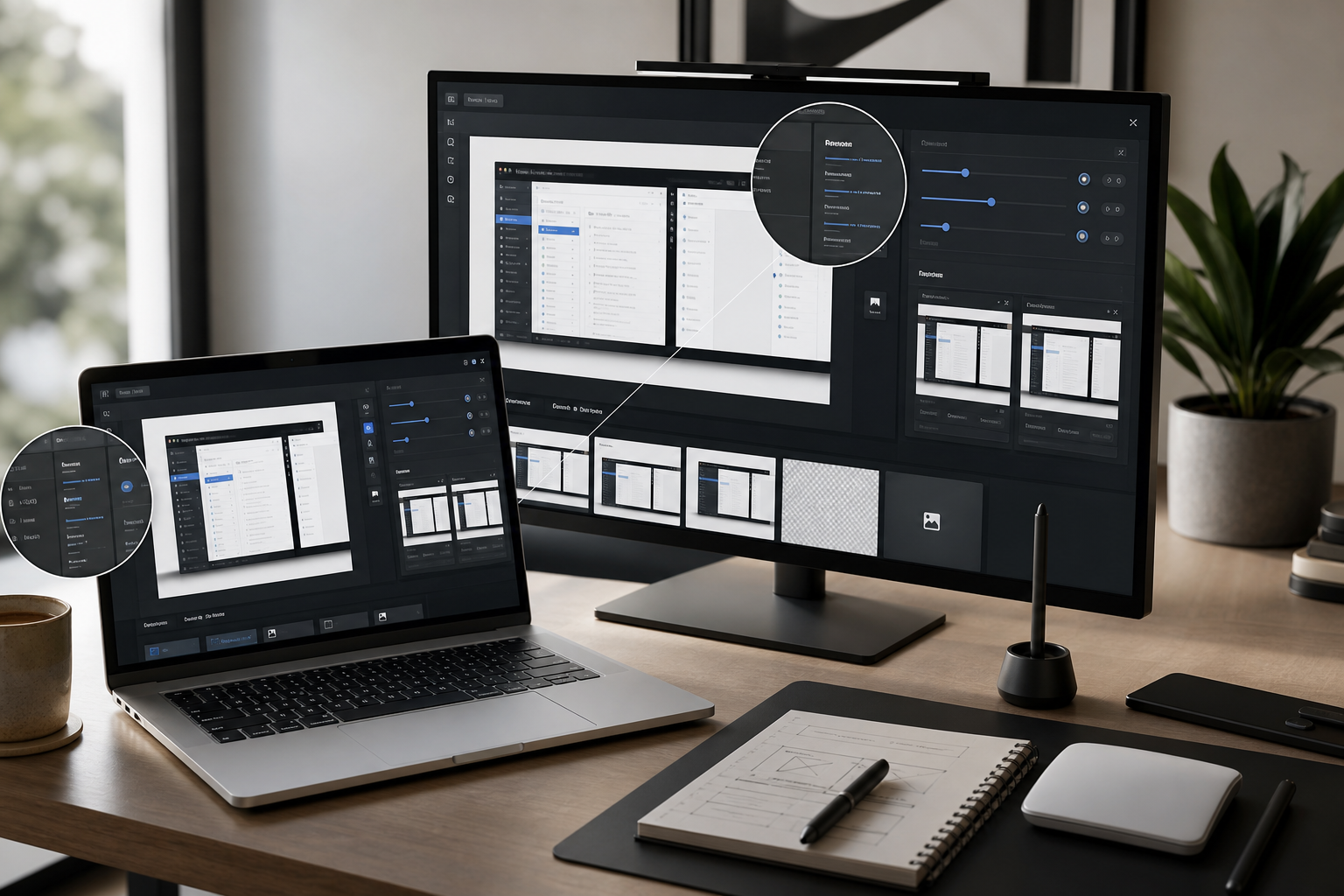
A practical guide for preparing dark mode screenshots that keep small UI text, focus states, shadows, and annotations readable in help centers and product docs.
Lire ›Image Tools guides, tutorials and workflow articles from ConvertAndEdit.
A practical guide for preparing dark mode screenshots that keep small UI text, focus states, shadows, and annotations readable in help centers and product docs.
Lire ›
A practical guide for cleaning packaging label photos before OCR, especially when import teams handle mixed languages, tiny symbols, curved labels, stickers, and compliance archives.
Lire ›
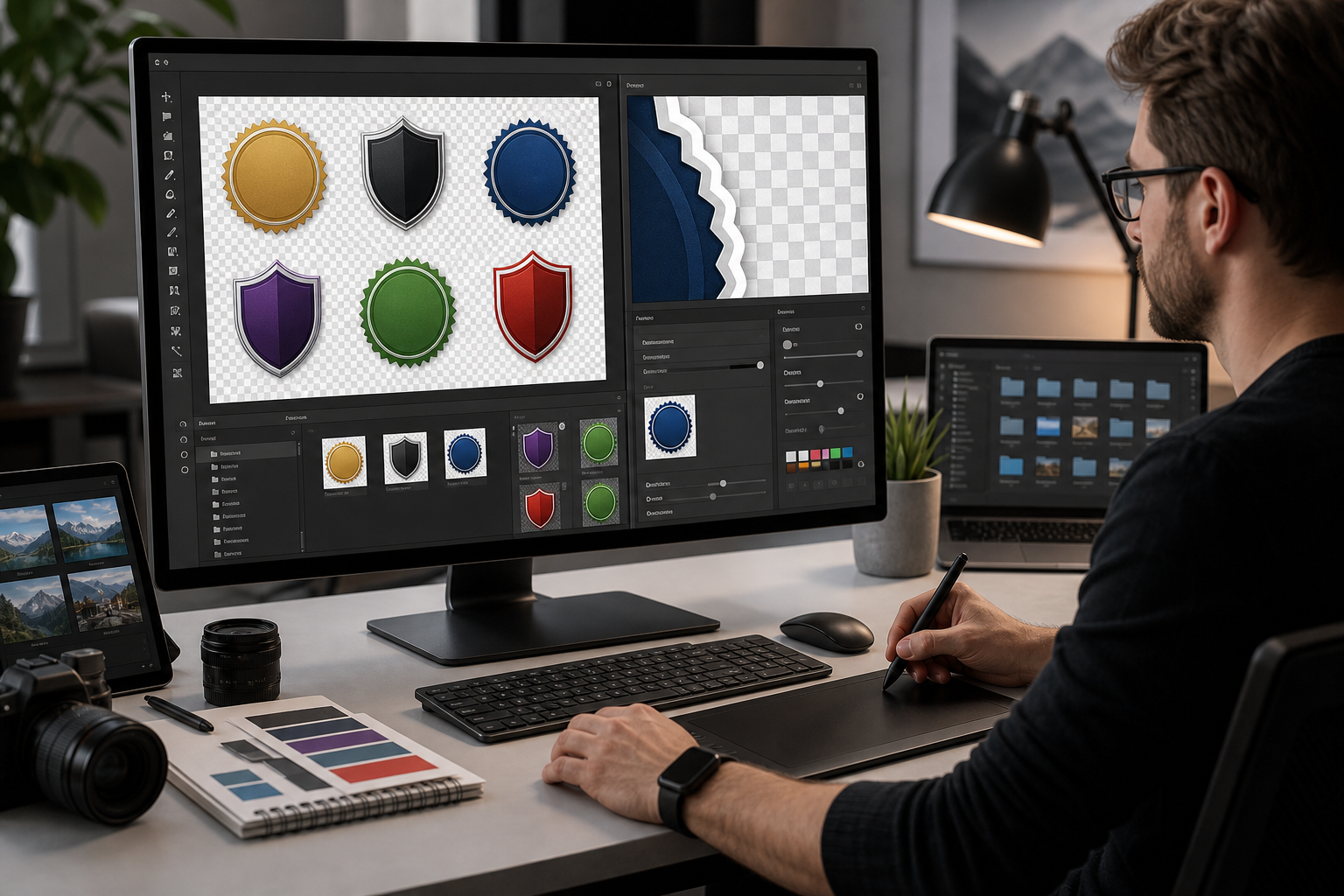
A detailed guide for cleaning jagged halos, soft edges, and inconsistent transparent PNG badges before uploading them to app marketplaces, partner pages, and help centers.
Lire ›
Prepare QR plaque artwork for laser engraving with cleaner contrast, safer sizing, proof PDFs, and scan checks before metal, acrylic, wood, or laminate production.
Lire ›
A practical guide for preparing transparent WebP overlays for help center screenshots, onboarding callouts, release notes, and product education without fuzzy edges or heavy files.
Lire ›
A practical guide for preparing speaker headshots for conference websites, agendas, sponsor decks, printed programs, and last-minute media kits.
Lire ›A niche workflow for cleaning transparent product thumbnails before marketplace upload, with export choices, edge checks, compression steps, and QA habits.
Lire ›
A practical workflow for making tutorial screenshots smaller while keeping UI labels, code snippets, arrows, and thin interface lines readable across docs and help centers.
Lire ›
A practical workflow for creating clean transparent WebP overlays for help centers, product education, onboarding guides, and documentation screenshots.
Lire ›A practical image pipeline for content teams: choose the right format, set quality targets, and publish faster pages without visible quality loss.
Lire ›