Industrial Equipment Nameplate Photo OCR Cleanup for Reliable Asset Registers
A practical field guide to photographing, cleaning, reading, and archiving worn industrial equipment nameplates for more reliable maintenance asset records.
Industrial Equipment Nameplate Photo OCR Cleanup for Reliable Asset Registers
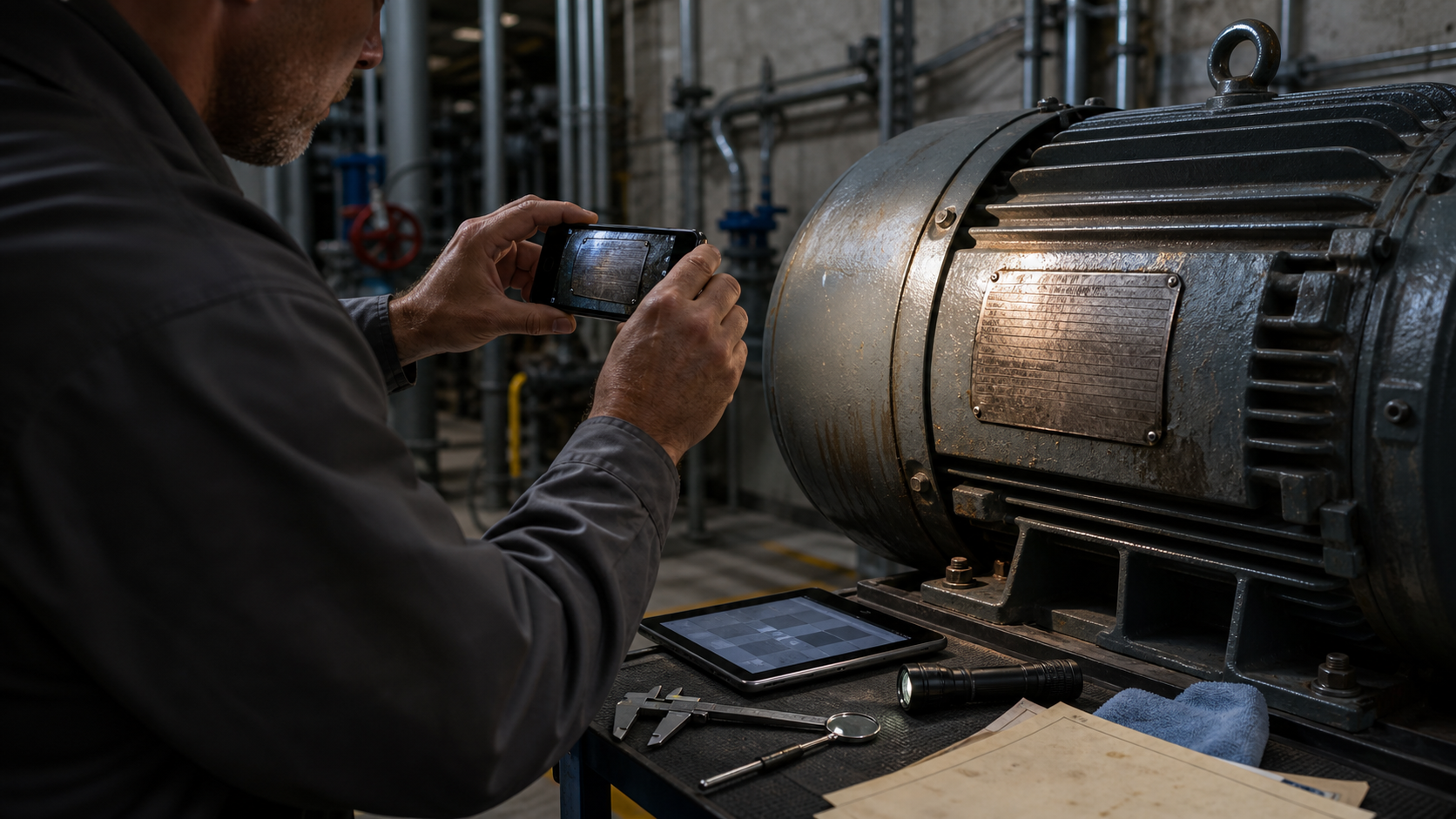
A motor can run for decades while its nameplate becomes harder to read every year. Oil mist collects in the stamped characters, paint creeps over the edges, corrosion reduces contrast, and replacement guards make the plate awkward to photograph. When someone finally needs the serial number or electrical rating, the result is often a dim phone image attached to a maintenance ticket.
That image may be the only practical source for updating an asset register, ordering a compatible replacement, or checking whether a machine is suitable for a new operating condition. Unfortunately, equipment plates combine nearly every feature that causes optical character recognition to struggle: reflective metal, tiny condensed lettering, shallow engraving, mixed character sizes, unfamiliar abbreviations, and tightly packed tables.
Reliable extraction therefore begins before OCR. The goal is to create a small evidence set that lets a person distinguish visible facts from plausible guesses. This guide presents a practical system for capturing, cleaning, reading, and archiving industrial equipment nameplates without treating uncertain characters as confirmed data.
Why Equipment Nameplates Are Difficult to Read
A typical plate may contain a manufacturer, model, serial number, voltage, current, phase, frequency, power rating, speed, enclosure class, duty classification, and certification symbols. These fields do not all behave the same way in a photograph.
Printed ink can fade while remaining flat. Stamped characters may be readable only because one edge casts a shadow. Laser-etched markings can disappear under direct illumination. Raised cast letters collect dirt around their boundaries. A single enhancement setting rarely improves every region.
The content also creates ambiguity. A model may legitimately contain 0, O, 1, I, 5, S, 8, and B in the same short string. OCR software cannot safely resolve those characters from context when it has never seen the manufacturer's numbering system. Electrical notation introduces additional confusion through fractions, slashes, decimal points, and stacked voltage values.
Treat the plate as technical evidence rather than an ordinary document. Enhancement should expose existing marks, not manufacture cleaner-looking characters.
Decide Which Fields Actually Matter
Before taking photographs, define the required fields. This prevents a technician from spending ten minutes pursuing a certification code when the maintenance team only needs the model, serial number, and motor rating.
A compact capture brief might classify fields like this:
| Priority | Typical fields | Reason |
|---|---|---|
| Critical | Asset ID, manufacturer, model, serial number | Identity and record matching |
| Operational | Voltage, phase, frequency, current, power, speed | Compatibility and maintenance decisions |
| Conditional | Duty, insulation class, enclosure, temperature limits | Needed for specific engineering checks |
| Reference | Standards marks, patent numbers, old distributor details | Preserve when legible, but do not delay routine intake |
The required set depends on the equipment. A pump survey may prioritize model, serial number, flow, head, and impeller details. A motor survey may focus on voltage, current, frequency, speed, power, frame, and insulation class.
Do not let OCR output define the schema. Establish the schema first, then use photographs and OCR to populate it.
Capture an Evidence Set, Not One Perfect Photograph
One image is rarely enough for a damaged or reflective plate. Capture a short sequence in a deliberate order.
- Take a context photograph showing the whole asset and the plate's location.
- Take a square-on photograph of the entire plate.
- Move closer and photograph the identification fields.
- Photograph the electrical or operating-data region separately.
- Take two or more lighting variants from different directions.
- Add a scale reference if plate dimensions may help later.
The context image prevents a surprisingly common failure: assigning a readable plate to the neighboring machine. It should show enough surrounding structure to identify the asset, but it does not need to be suitable for OCR.
For the close photographs, keep the camera sensor parallel to the plate. Perspective distortion compresses characters at one edge and makes table rows converge. If the plate is behind a guard, use the safest available angle and correct the perspective later. Never remove a guard or enter a restricted area merely to improve a photograph unless the site procedure explicitly permits it.
Fill most of the frame with the relevant region while leaving a narrow border around it. Digital zoom cannot recover detail that the camera never recorded. Move closer when it is safe, stabilize the phone against a fixed surface, and use the main camera rather than an ultra-wide lens when space allows.
Use Light Direction to Reveal the Marking Method
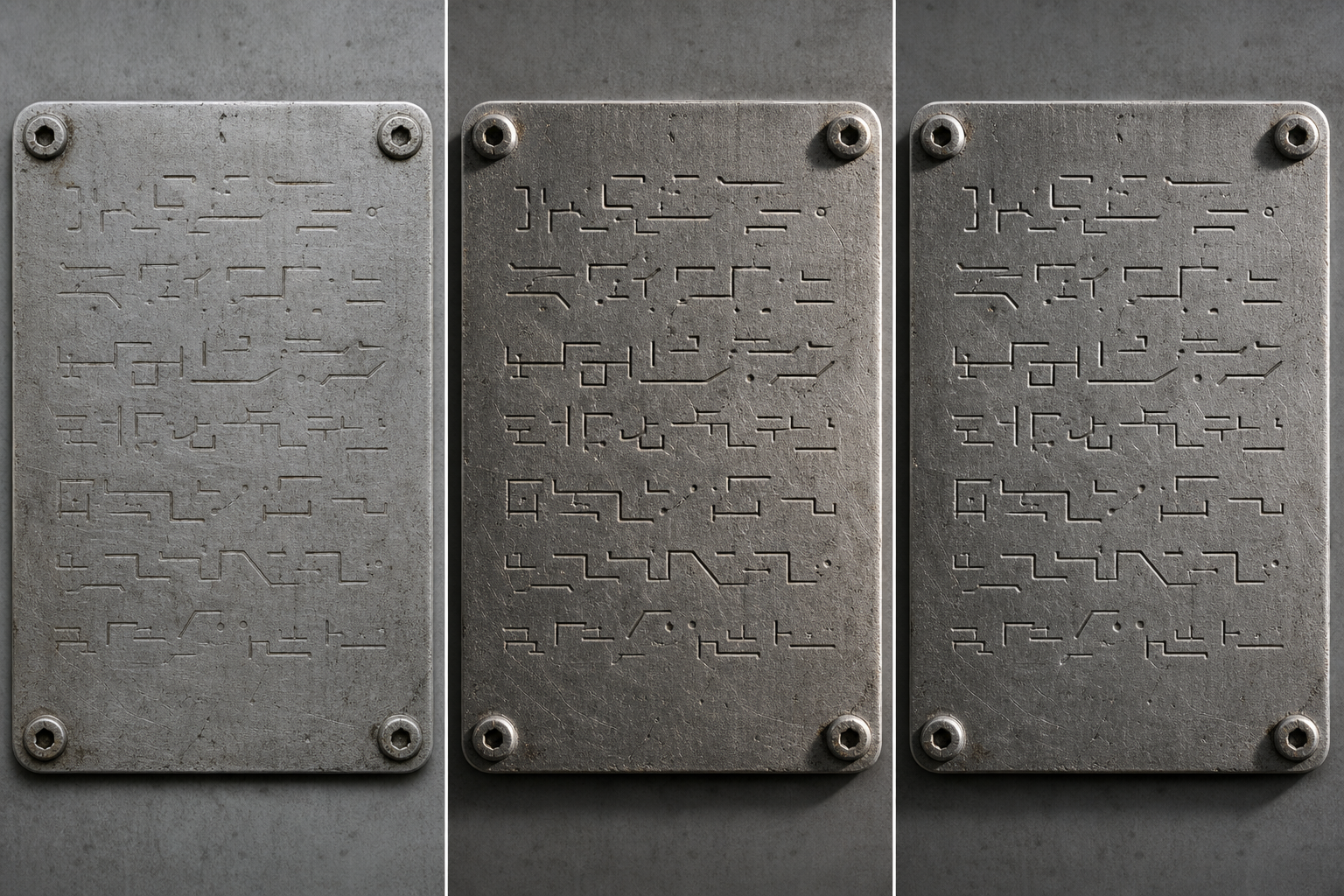
Lighting direction matters more than brightness. Direct phone flash often produces a white reflection across polished metal, while overhead plant lighting creates uneven glare.
For engraved or stamped characters, place a small task light at a shallow angle to the plate. The character edges will cast thin shadows. Take one photograph with the light coming from the left and another from the right. A scratch that resembles a character in one image may disappear in the opposite-light image, while a true depression usually produces a consistent reversed highlight-and-shadow pattern.
For printed plates, use broad, diffused light. A sheet of translucent material intended for photographic diffusion can soften a task light, but it must never touch hot machinery or interfere with moving parts. Changing the camera angle by a few degrees can also move glare away from critical fields.
Try these combinations:
- Square camera with light from the left
- Square camera with light from the right
- Slightly elevated camera with diffused frontal light
- Flash disabled with stable ambient illumination
- Polarizing filter, if already available and safe to use
Avoid wetting, oiling, chalking, sanding, or applying chemical cleaner to a plate unless an approved maintenance procedure specifically allows it. Those interventions can damage markings, alter the evidence, or create contamination risks.
Separate Capture Problems from Cleanup Problems
Image editing can correct a modest exposure error, crop distractions, and increase local contrast. It cannot reliably reconstruct characters hidden by glare, motion blur, or insufficient resolution.
Use this decision table before editing:
| Defect | Edit the image? | Recapture? |
|---|---|---|
| Extra background around a sharp plate | Yes | No |
| Slightly dark but visible characters | Yes | Optional |
| Strong perspective distortion with sharp detail | Yes | Preferable if easy |
| White glare covering a serial number | No reliable recovery | Yes |
| Motion blur across small text | No reliable recovery | Yes |
| Heavy JPEG blocks around characters | Limited improvement | Yes, if possible |
| Dirt hiding the marking | Photograph first; follow approved cleaning procedure | Usually |
This distinction saves time. Repeated sharpening of an irrecoverable image often produces convincing false edges, which are particularly dangerous around serial numbers.
Create a Conservative Cleanup Copy
Preserve the original photograph unchanged. Perform edits on a duplicate and keep the relationship between the two files obvious.
Start by cropping to the plate or a specific field. You can use the image resizing tool to create a practical working copy, but avoid shrinking the image before OCR. If a large source needs to be reduced for sharing, keep the full-resolution original in the evidence folder.
Next, correct rotation and perspective. The horizontal rules of a plate should be horizontal, and its rectangular boundary should not taper dramatically. Perspective correction is especially valuable when OCR needs to follow table rows.
Make restrained tonal adjustments:
- Set black and white points without clipping faint marks.
- Raise midtone contrast gradually.
- Inspect both the full plate and critical fields at high magnification.
- Apply light sharpening only after geometry and contrast adjustments.
- Stop if halos begin to form around strokes.
For stubborn regions, create separate variants rather than forcing one dramatic edit:
- A neutral-color version for printed text and colored safety fields
- A grayscale high-contrast version for dark ink on pale metal
- A low-contrast shadow-preserving version for shallow engraving
- A locally enhanced crop containing only the serial number
An AI photo editor can help with controlled adjustments or distracting backgrounds, but generative reconstruction should not be used to determine technical identifiers. If an edit invents, replaces, or redraws a character, that character is no longer documentary evidence.
Choose the Right File Format
Repeated JPEG saving can create ringing and block artifacts around tiny strokes. Preserve cleaned OCR masters as PNG when practical, especially for monochrome plates, screenshots of close crops, or images that will undergo several review rounds.
Use JPEG for compact reference copies when the quality setting remains high. WebP can also be useful for internal web interfaces, but confirm that the asset system and OCR service accept it. The image conversion tool can create a compatible derivative while the original remains untouched.
A sensible file set might include:
- Original camera image
- Corrected full-plate PNG
- Critical-field crops as PNG
- Compact reference image for the asset register
- Combined PDF evidence packet when required
File conversion should not overwrite the only source. A derivative is for a specific purpose; it is not a replacement for the capture.
Run OCR by Region Instead of Reading the Whole Plate
Whole-plate OCR often mixes adjacent columns, reads table rules as punctuation, and merges headings with values. Regional OCR is usually more reliable.
Crop and process these areas separately:
- Manufacturer and product family
- Model and serial number
- Electrical ratings
- Mechanical ratings
- Environmental or enclosure data
- Certification area
Submit the sharpest conservative crop to an image OCR tool. Retain the raw output even when it contains mistakes. It can reveal alternative interpretations that a reviewer should compare against the photograph.
Do not paste the OCR result directly into the authoritative asset register. Move it through a verification table:
| Field | OCR result | Human reading | Status | Evidence file |
|---|---|---|---|---|
| Model | Candidate value | Confirmed value | Confirmed | Identification crop |
| Serial | Candidate value | One uncertain character | Review | Opposite-light crops |
| Voltage | Candidate value | Confirmed | Confirmed | Rating crop |
| Speed | No result | Manually read | Confirmed | Full-resolution crop |
This structure makes uncertainty visible. It also prevents a confident-looking OCR string from gaining authority merely because it was copied into a database.
Verify Characters with Independent Clues
Verification is not the same as making the output look plausible. Use independent clues whenever possible.
First, compare opposite-light images. True engraving should remain geometrically consistent even when highlights and shadows switch sides.
Second, inspect character construction. A stamped 8 may have two closed counters, while a damaged B may retain a vertical spine. A 0 may be narrower than an O in the plate's typeface. These clues are helpful but should not override missing pixels.
Third, compare repeated information. A voltage may appear in both a main rating row and a wiring diagram. A model prefix may also be cast into the housing. Agreement across independent locations increases confidence.
Fourth, use equipment context carefully. A three-phase motor is expected to show certain kinds of notation, but expectations are not proof of a particular character. Context may flag an improbable reading; it should not silently replace the visible value.
Finally, consult an authorized manufacturer document or existing verified record when available. Record that external source separately. A catalog can corroborate a model format, but it cannot prove that a worn plate belongs to a specific serial variant.
Use explicit status labels such as:
- Confirmed: clearly supported by the image or independent record
- Probable: best-supported reading with minor ambiguity
- Unresolved: two or more readings remain credible
- Not visible: field location exists, but the value cannot be recovered
- Not present: the plate does not contain the field
Not visible is better data than a guessed identifier.
Build a Nameplate Proof Sheet Before Entering Data
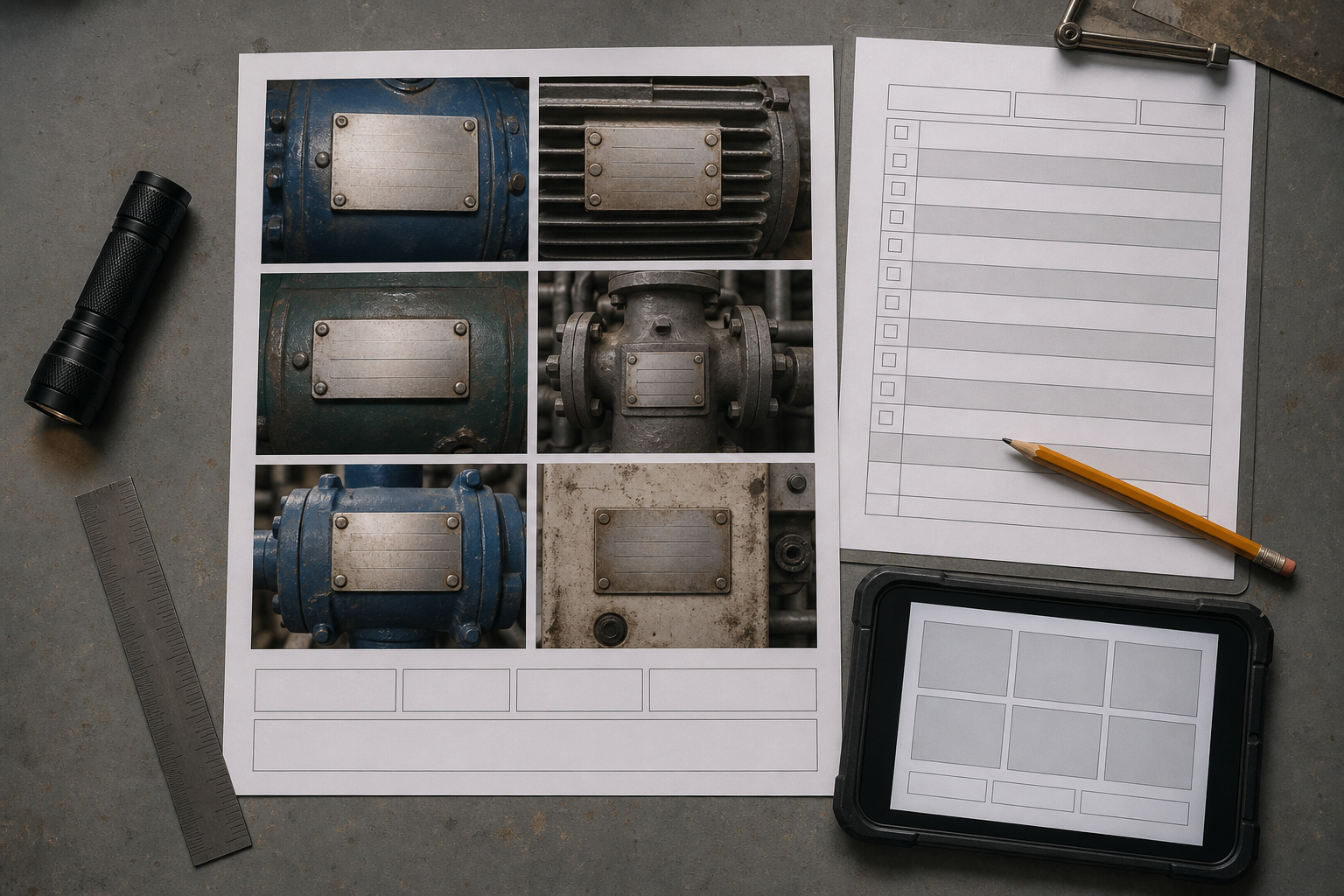
A proof sheet gives the reviewer context without requiring them to open a folder of similarly named photographs. It is especially useful when technicians capture dozens of assets during a shutdown or site survey.
For each asset, include:
- One context image
- One corrected full-plate image
- One model-and-serial crop
- One operating-data crop
- Any alternate-light image needed to resolve ambiguity
- The provisional transcription and status labels
Keep photographs large enough that small characters remain inspectable. A crowded page with twelve tiny plate images may look organized but provides little verification value. Use multiple pages when necessary.
The proof sheet should identify the asset using a trusted field tag, barcode, or location reference rather than relying solely on the plate being decoded. If no trusted identifier exists, assign a temporary survey ID and photograph it beside the asset without covering any machine information.
You can combine approved pages with the PDF merge tool. If the source material consists mainly of photographs, an image-to-PDF tool can create a portable review packet. Check the finished PDF at normal viewing size and at high zoom before distribution.
Apply a File-Naming Pattern That Survives Handoff
A useful filename answers three questions: which asset, which view, and which revision?
For example:
PLANT2-PUMP-014_nameplate_serial-crop_r01.png
Keep the pattern stable:
[trusted-asset-id]_[subject]_[view]_[revision].[extension]
Recommended view terms include context, full, serial-crop, ratings-crop, light-left, and light-right. Avoid ambiguous names such as final2, new, or enhanced-best.
If the asset ID contains characters that are unsafe in filenames, define a normalized form and record the mapping. Do not casually shorten identifiers when two assets could end up with the same name.
Revisions should describe edited derivatives, not successive overwrites of the camera original. The original can use a suffix such as source or retain its camera filename inside a dedicated source directory.
Quality-Control Checklist
Before accepting a record, complete a short audit.
Capture audit
- The context image connects the plate to the correct asset.
- The entire plate is visible in at least one photograph.
- Critical fields have sharp close views.
- Glare does not hide required values.
- Alternate lighting was captured for engraved or reflective markings.
- Photography complied with site safety rules.
Editing audit
- The original remains unchanged.
- Crops retain enough border to show field context.
- Perspective correction has not stretched characters excessively.
- Contrast adjustment preserves faint strokes.
- Sharpening has not created strong halos.
- Any generative alteration is excluded from transcription evidence.
Data audit
- OCR output was checked against the photographs.
- Ambiguous characters have visible status labels.
- Units are stored separately from numeric values where the register permits it.
- Decimal points, slashes, and stacked ratings were checked manually.
- External corroboration is cited rather than silently substituted.
- The evidence filename or link is attached to the record.
Handoff audit
- Filenames use the agreed asset ID.
- Proof-sheet images remain readable at high zoom.
- The PDF opens correctly after transfer.
- Sensitive location or infrastructure details are shared only with authorized recipients.
- A second reviewer checks records used for purchasing or engineering decisions.
Common Mistakes That Create False Confidence
The first mistake is selecting the OCR interpretation that resembles a familiar model number. Familiarity is not confirmation. Preserve the alternatives when the image remains ambiguous.
The second is using aggressive black-and-white thresholding as the only evidence image. Thresholding can erase shallow strokes and join corrosion spots into new shapes. Keep the neutral correction beside any thresholded derivative.
The third is compressing images before critical fields are verified. Thin engraved marks can disappear during resizing or lossy encoding. Complete transcription from the master-quality crop, then prepare smaller distribution copies.
The fourth is separating crops from their asset context. A perfectly readable serial crop is nearly useless if the team cannot prove which machine it came from.
The fifth is combining human inference and visible text in one field without notation. If a reviewer infers a manufacturer from a logo or machine type, store that as an attributed interpretation rather than presenting it as plate text.
A Practical Example
Consider a corroded pump motor plate mounted close to a wall. The first frontal photograph shows the whole plate, but overhead lighting obscures the serial row. A second image taken with a task light from the left reveals most stamped characters. A right-lit image clarifies the final two characters but makes an earlier S resemble a 5.
The technician preserves all three images, creates a perspective-corrected full-plate copy, and makes separate crops for identity and ratings. OCR reads the serial as M5A80B, while the reviewer sees either MSA80B or M5A80B. The left-lit crop supports S; the right-lit crop is ambiguous. An existing verified inspection record also contains the MS prefix, but its serial is incomplete.
The final entry records MSA80B as probable, cites both photographic crops and the earlier record, and sends the field for second review. Voltage, phase, and speed are independently clear and receive confirmed status. The proof sheet contains the asset context, full plate, two serial variants, rating crop, and transcription table.
Nothing in this example requires inventing missing detail. The strength of the record comes from preserving the evidence, separating confidence levels, and making review efficient.
Treat Uncertainty as Part of the Record
Equipment nameplate cleanup is successful when it produces defensible data, not merely attractive images. Good capture contributes more than extreme enhancement. Regional OCR contributes speed, but human comparison remains essential for identifiers and ratings. Context photographs, alternate lighting, conservative derivatives, and explicit confidence labels turn a fragile phone image into a reviewable maintenance record.
The most useful principle is simple: improve visibility while preserving doubt. When a character cannot be proven, mark it unresolved and keep the photographs that explain why. That restraint protects purchasing, maintenance, and engineering teams from a polished transcription that was never truly supported by the plate.