Equipment Nameplate Photo OCR for Service Manuals: A Practical Field Guide
A practical guide for turning hard-to-read equipment nameplate photos into clean OCR text, service records, and compact PDF packets for maintenance teams.
Equipment Nameplate Photo OCR for Service Manuals: A Practical Field Guide
Equipment nameplates look simple until you need to read them from a photo. A small metal plate can hold the model number, serial number, voltage, phase, manufacturing date, pressure rating, refrigerant type, enclosure class, certification marks, and safety limits that decide which manual, spare part, inspection form, or service procedure applies.
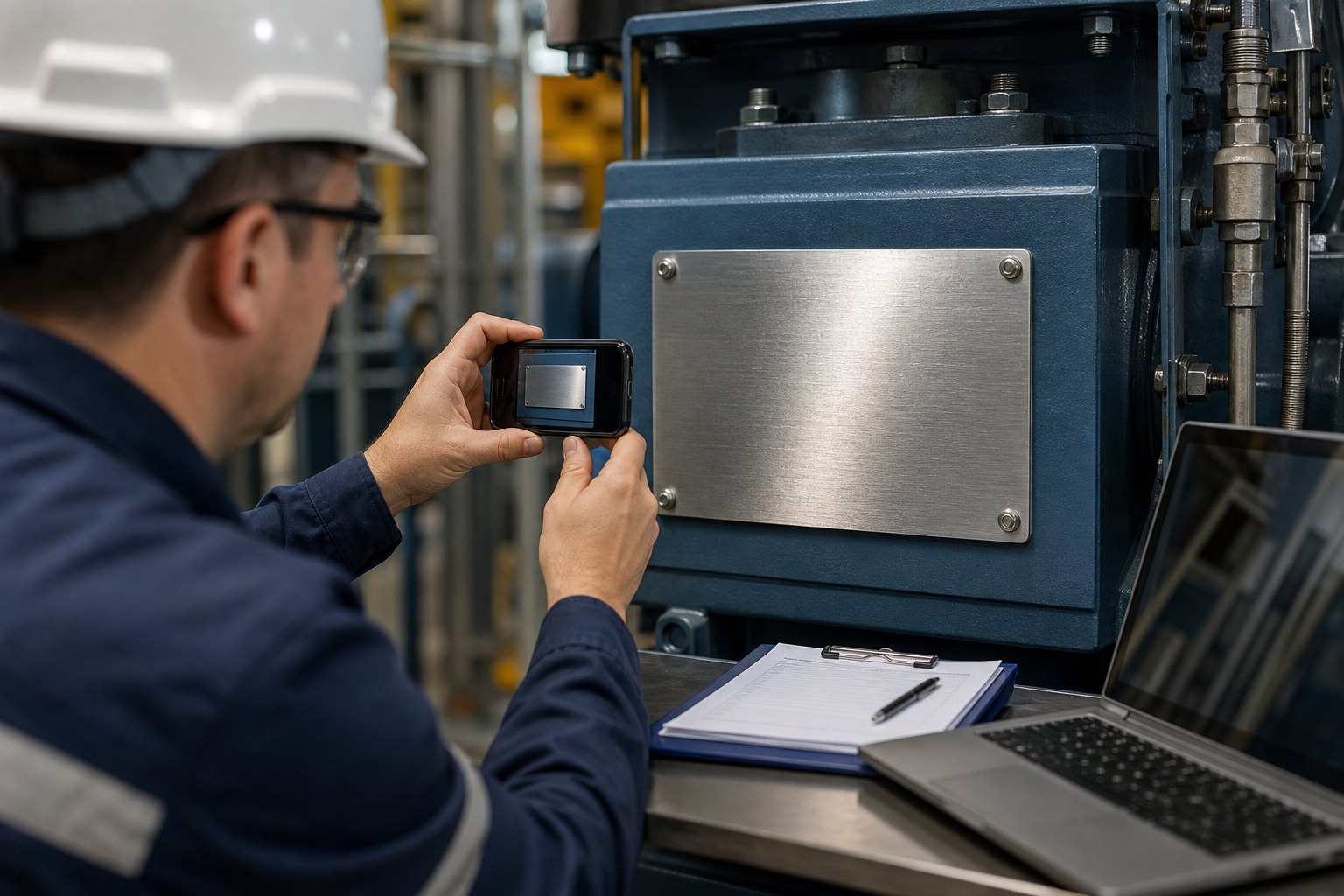
The problem is that nameplates are rarely photographed in ideal conditions. They are curved, oily, scratched, stamped, riveted, mounted behind pipes, hidden in dim cabinets, or polished enough to reflect the person taking the photo. A technician may capture the plate quickly during a callout, while an office team later has to extract the data, match it against a manual library, and file the proof in a record system.
This guide is for maintenance coordinators, field service teams, facilities managers, and technical writers who need a repeatable way to turn nameplate photos into reliable text and compact documentation packets. The goal is not to make every image beautiful. The goal is to capture the plate well enough that OCR, manual verification, and future review become easier.
Why Nameplate OCR Fails
OCR tools are good at clean printed text. Equipment nameplates are different. The letters may be etched into metal rather than printed on it. Digits can be stamped with uneven depth. Old labels may have faded ink, dirt in the grooves, or a clear protective film that creates glare. On some plates, the most important character is also the easiest one to confuse: 0 and O, 1 and I, 5 and S, 8 and B, or a hyphen that disappears in a reflection.
Nameplate OCR usually fails for one of five reasons:
- The plate is too small in the frame, so characters do not have enough pixel detail.
- Glare crosses the engraved or printed text.
- The photo is angled so the text is distorted.
- The image is over-compressed before OCR is attempted.
- The file is not labeled clearly, so the extracted text cannot be trusted later.
That last point is easy to overlook. A perfect OCR result is still weak evidence if nobody can tell which machine, room, panel, or service ticket the photo came from. The image, extracted text, and final PDF packet should support each other.
What to Capture From a Nameplate
Before taking photos, decide what information the office team actually needs. Most equipment plates contain more data than a single job requires, but partial capture creates rework when another question appears later.
For service manuals and parts lookup, prioritize these fields:
| Field | Why it matters | Common capture risk |
|---|---|---|
| Manufacturer | Finds the correct manual source | Logo is visible but legal name is cropped |
| Model number | Selects manual, parts list, wiring diagram | Hyphens and suffixes are missed |
| Serial number | Confirms production batch or warranty record | 0, O, I, and 1 are confused |
| Electrical rating | Prevents incorrect replacement parts | Glare hides voltage or phase |
| Date or code | Helps identify revisions | Stamped digits are shallow |
| Certification marks | Useful for compliance records | Marks are photographed but nearby rating text is cut off |
| Asset location | Connects plate to the real machine | Photo has no context image |
A good packet often includes three images: a context photo of the machine, a clear close-up of the plate, and a tighter crop of the text area. The context photo prevents mix-ups. The plate photo preserves evidence. The crop helps OCR.
The Capture Setup That Makes OCR Easier
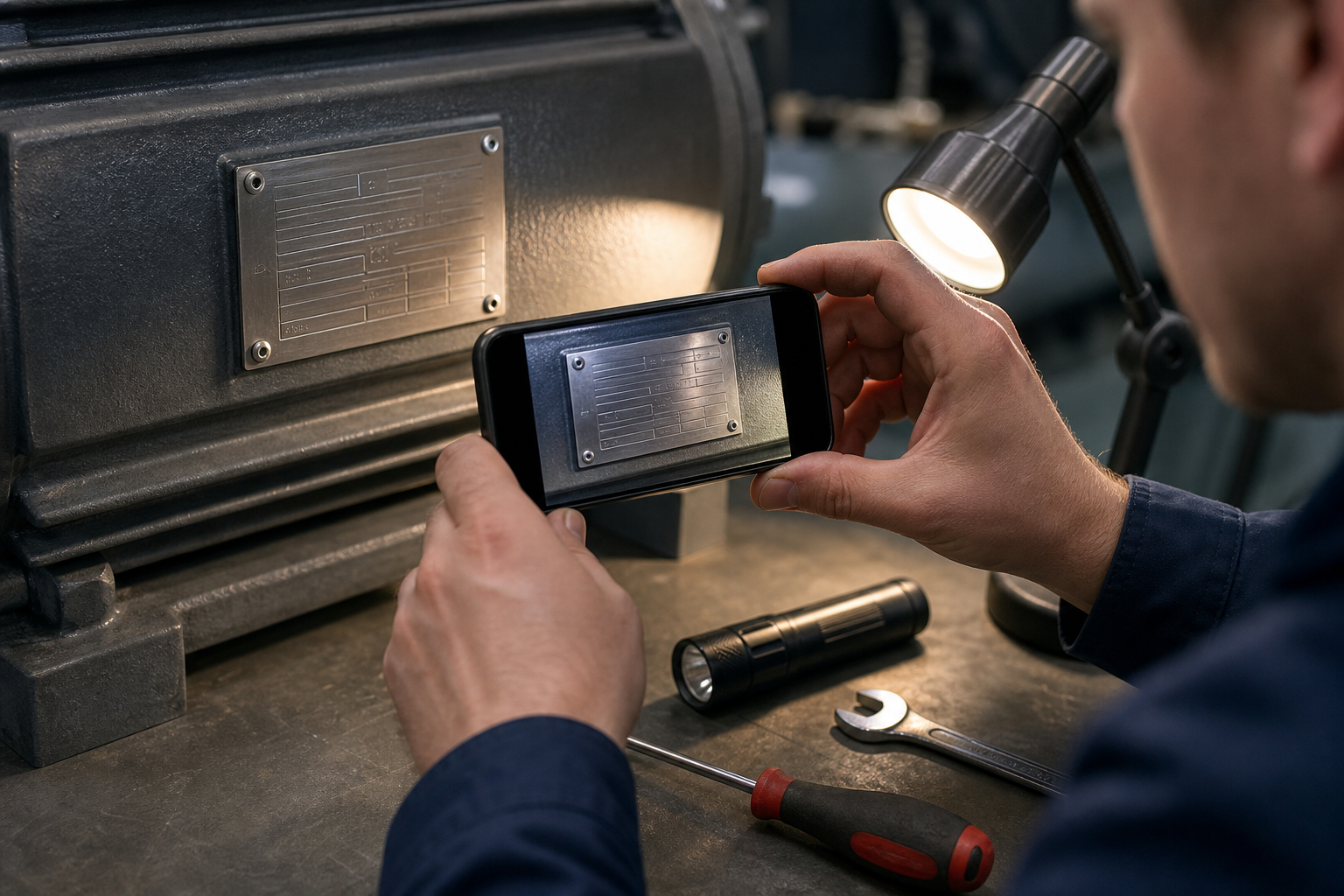
The best cleanup starts before editing. You do not need a studio setup, but you do need control over distance, angle, and reflection.
Use this field capture checklist:
- Wipe the plate gently if it is safe to do so.
- Turn off flash unless the environment is too dark.
- Use a small angled light instead of straight-on light.
- Hold the phone parallel to the plate whenever possible.
- Fill the frame with the plate, but leave a little border around it.
- Take at least one wider context photo.
- Take two close-ups from slightly different angles if the plate is reflective.
- Check the image before leaving the site, zooming in on the smallest digits.
For glossy metal plates, a straight flash often creates a white streak across the exact line you need. Side lighting works better because engraved text casts tiny shadows. For black printed plates, soft even light is usually better than dramatic side light.
If the plate is inside a cabinet, do not rely on a single rushed shot. Cabinet interiors often create mixed light: a phone flash, a ceiling light, and a work lamp may all reflect at once. Move the light source, not just the camera. A two-inch change can make the serial number readable.
Build a Three-Image Evidence Set
A single close-up is tempting, but it can become detached from reality. When someone reviews the record six months later, they may ask whether the plate belonged to the rooftop unit, the pump beside it, or the replacement motor installed during the same visit.
A dependable evidence set uses three images:
| Image | Purpose | What to include |
|---|---|---|
| Context photo | Shows where the machine is | Equipment, nearby panel, room or area cue |
| Plate photo | Preserves full original plate | Entire nameplate and mounting surface |
| OCR crop | Helps text extraction | Tight crop around data fields |
The context photo does not need OCR quality. It needs identity. The plate photo should remain as close to original as practical. The OCR crop can be cleaned, rotated, resized, or contrast-adjusted for readability.
This separation matters because aggressive edits can help OCR while weakening the photo as evidence. Keep the original or near-original plate image in the packet, then use a cleaned crop for extraction.
Crop Before You Run OCR
OCR engines perform better when the image contains mostly relevant text. If the photo includes hoses, bolts, warning stickers, shadows, and a large equipment casing, the tool has more visual noise to ignore.
Start by cropping to the plate. Then make a second crop around the actual data rows if the plate has large logos, decorative borders, or certification icons. ConvertAndEdit's image resize tool can help standardize close-up crops when a team receives images from different phones and camera distances.
A useful rule is simple: if a human reviewer has to zoom in, OCR probably needs a better crop too.
Avoid cropping so tight that characters at the edge are clipped. Leave a small margin around the text. OCR can handle a little border; it cannot recover the first digit of a serial number that was cut off.
Fix Rotation and Perspective Without Overediting
Nameplate photos often arrive tilted. A slight tilt is not fatal, but heavy perspective distortion can turn neat rows into trapezoids. OCR may read one line well and fail on the next.
Correct the image in this order:
- Rotate the plate so the text baseline is level.
- Crop away irrelevant background.
- Adjust contrast only if needed.
- Resize for a readable pixel density.
- Run OCR on the cleaned crop.
Do not sharpen repeatedly. Over-sharpening can create halos around engraved characters, and OCR may treat those halos as extra marks. If you need a cleaner version for human review, create a separate copy instead of replacing the evidence image.
For plates photographed at a steep angle, perspective correction can help, but it also stretches pixels. If the original is low resolution, correction may make the image look straighter without making the text more readable. In that case, a second field photo is better than heavy editing.
Contrast Choices for Metal, Plastic, and Printed Labels
Different materials need different cleanup choices. A setting that improves one plate can damage another.
| Plate type | Better adjustment | Avoid |
|---|---|---|
| Brushed metal with engraved text | Side-lit capture, mild contrast increase | Strong sharpening and flash glare |
| Black printed plastic label | Even light, moderate brightness | Crushing dark areas into solid black |
| White sticker label | Gentle exposure correction | Overexposure that erases pale digits |
| Stamped aluminum plate | Angled light, grayscale test copy | Flattening shadows too much |
| Dirty or oily plate | Clean capture if safe, multiple angles | Editing dirt into false character shapes |
If you use an AI cleanup tool, keep the task narrow. ConvertAndEdit's AI photo editor can be useful for removing distracting dirt around a plate or improving visibility in a copy, but do not ask any tool to invent missing characters. For service records, the cleaned image should support verification, not replace it.
When a character is uncertain, mark it as uncertain in the record. A note like S/N: 10B8?4, verify B/8 is more honest than a confident wrong value.
Use OCR as Extraction, Not Final Authority
After cleanup, run the crop through an OCR tool such as image OCR. Treat the result as a draft extraction. For nameplates, human verification is still necessary because a single wrong character can point to the wrong manual or part.
Use a two-pass check:
- Compare OCR text against the cleaned crop.
- Compare key fields against the wider plate photo.
The first pass catches recognition errors. The second pass catches cleanup errors, over-cropping, and accidental edits. If the OCR crop is very clean but the original plate photo is ambiguous, keep the ambiguity visible in your notes.
A practical extraction format might look like this:
| Field | Extracted value | Confidence | Note |
|---|---|---|---|
| Manufacturer | Acme Industrial | High | Clear printed text |
| Model | VP-2400X | Medium | Hyphen visible in original |
| Serial | 08B51-19 | Low | B may be 8 |
| Voltage | 230 V | High | Confirmed on plate photo |
This structure is much easier to review than a pasted block of OCR text. It also helps future team members understand which values were certain and which were interpreted.
A Clean Naming Pattern for Nameplate Files
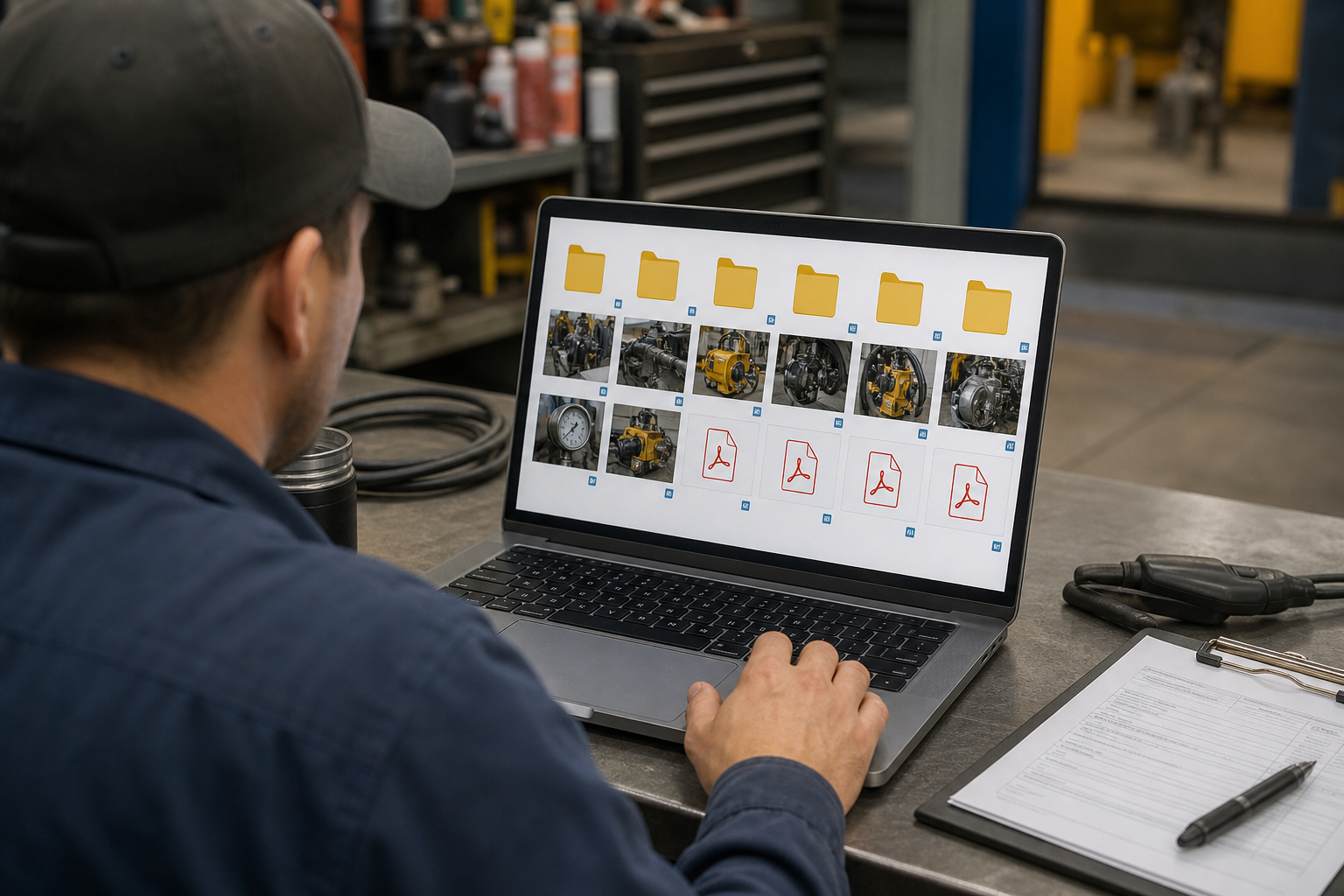
File names are part of the documentation quality. A folder full of IMG_4821.jpg files forces the office team to open every image, compare timestamps, and guess which record is complete.
Use a naming pattern that connects location, asset, date, and image type:
site-area-asset-date-type.ext
Examples:
| File | Meaning |
|---|---|
northplant-ahu03-2026-05-24-context.jpg | Wider photo of the unit |
northplant-ahu03-2026-05-24-nameplate.jpg | Full plate photo |
northplant-ahu03-2026-05-24-ocr-crop.png | Clean crop for OCR |
northplant-ahu03-2026-05-24-record.pdf | Final review packet |
Keep names lowercase and consistent. Avoid spaces if files move through older systems, email clients, or service portals. If your team already has asset IDs, put the asset ID early in the file name.
A consistent name also reduces the risk of attaching the wrong photo to a manual request. When a parts supplier asks for the serial plate, you can send one clear file instead of a batch of mystery images.
Choose the Right Format at Each Stage
Image format choices affect both readability and file size. For nameplate OCR, the best format is not always the smallest one.
Use this simple format guide:
| Stage | Recommended format | Reason |
|---|---|---|
| Original field photo | JPG or HEIC from phone | Preserves camera capture with metadata if available |
| Clean OCR crop | PNG when text edges matter | Avoids extra compression artifacts |
| Shared image preview | JPG or WebP | Smaller for email or portal upload |
| Final packet | Easy to attach, archive, and review |
If you need to change formats, use a controlled conversion step with convert image rather than repeatedly exporting from different apps. Repeated lossy saves can make small characters worse.
For final sharing, compress carefully. ConvertAndEdit's compress image tool is useful when photos are too large for a ticketing system, but keep a readable copy for OCR and archival review. The smallest file is not the best file if the serial number becomes unreadable.
Package Photos and Text Into a Review PDF
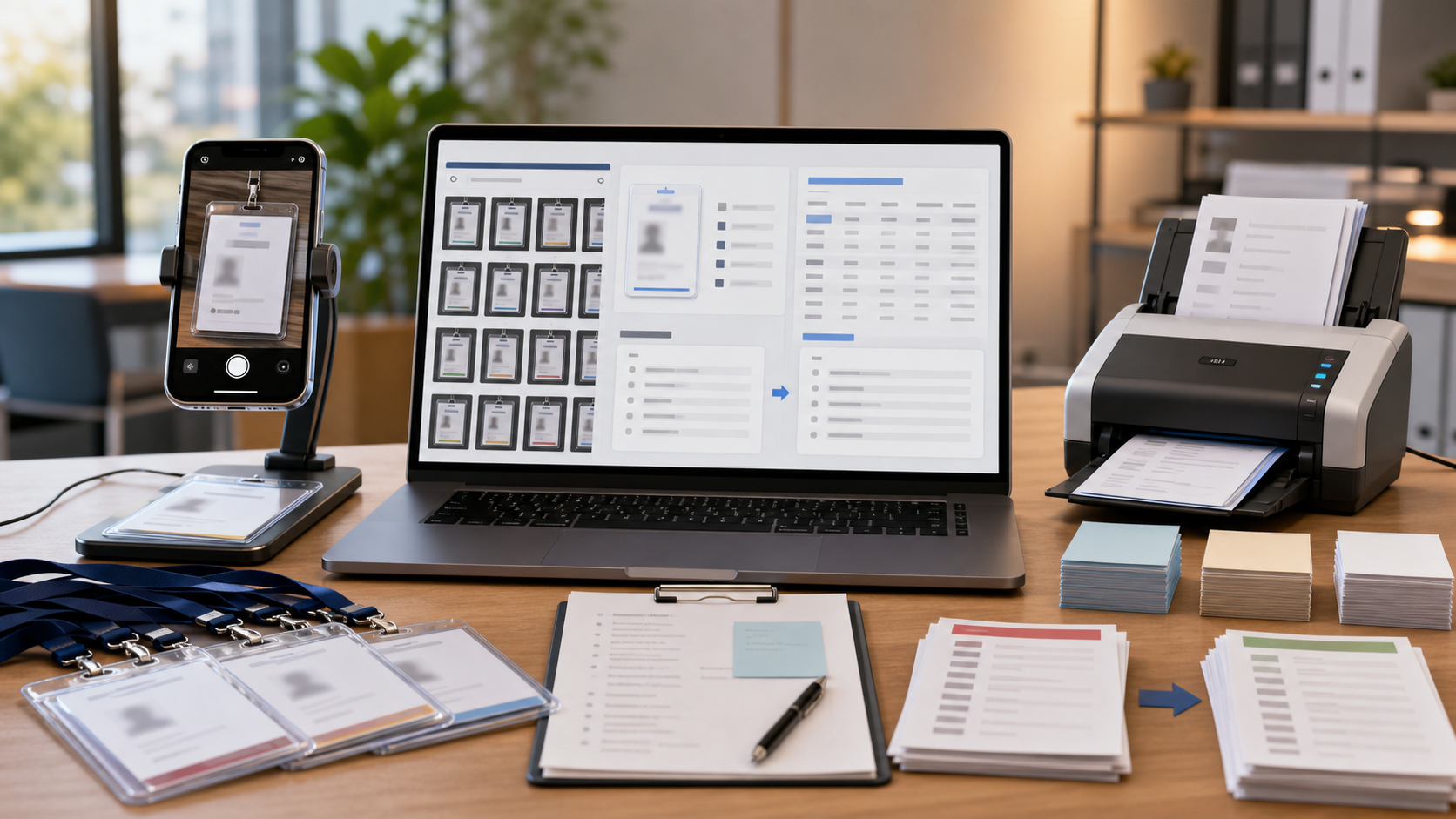
Once the image set and extracted text are ready, combine them into a compact PDF packet. A PDF is easier to attach to a service ticket, send to a vendor, or store beside a maintenance record than a loose group of images and notes.
A strong packet order is:
- Context photo.
- Full nameplate photo.
- Clean OCR crop.
- Extracted field table.
- Notes about uncertain characters.
If your source materials are images, image to PDF can turn the final set into a single document. Keep the packet short. A nameplate record does not need ten near-duplicate photos unless the plate is genuinely difficult to read.
For multi-machine service visits, create one packet per asset rather than one giant PDF for the whole site. Separate packets make later retrieval much faster.
Handling Difficult Plates
Some nameplates are simply hard. Here are practical tactics for common cases.
Curved Motor Plates
Motor plates mounted on curved housings often have uneven focus. Center the camera on the most important line, usually model or serial. Take a second shot focused on the electrical ratings if they sit on a different curve. Do not assume one image will keep every row sharp.
Deeply Engraved Metal
For engraved plates, shadows are information. A mild side light can make characters stand out. If the plate becomes too dramatic, take one evenly lit photo and one side-lit photo. The side-lit version may help OCR, while the even version helps human review.
Reflective Stainless Steel
Move yourself out of the reflection. If you see your phone covering the serial number, OCR will see it too. Try angling the light rather than angling the camera. A parallel camera with shifted light usually produces less distortion than a steep camera angle.
Dirty Outdoor Equipment
If cleaning is safe, remove loose dirt before photographing. If cleaning is not safe or would alter evidence, capture the dirty plate as found, then take another photo after permitted cleaning. Label both states clearly.
Painted-Over Plates
Do not rely on enhancement to recover hidden values. Capture the plate, document the obstruction, and escalate for physical inspection. Image cleanup cannot responsibly invent covered model or serial data.
Quality Checklist Before Filing
Before the packet goes into a service record or manual request, run a short quality check.
- The machine context is visible in at least one image.
- The full nameplate is visible in one image.
- The OCR crop does not cut off characters.
- Model and serial values were checked against the image.
- Any uncertain characters are marked in notes.
- File names include asset, date, and image type.
- The final PDF opens correctly and is not unnecessarily large.
- The original or near-original plate photo is retained.
This checklist is deliberately short. If it takes longer to complete the checklist than to redo the photo packet, the system will not survive busy service days.
Common Mistakes to Avoid
The most common mistake is treating OCR output as truth. OCR is useful because it speeds extraction, not because it understands equipment records. Always verify model and serial values visually.
Another mistake is compressing too early. If a technician sends only a heavily compressed messaging-app image, the office team may never see the detail needed for reliable extraction. Ask for original-size images when possible.
A third mistake is editing the only copy. Keep the original plate photo, then create a cleaned crop. That gives reviewers a way to check whether a contrast boost changed the appearance of a character.
Finally, avoid dumping every photo into one folder without names. The cleanup effort is wasted if the final files cannot be matched to the correct asset.
A Practical Nameplate Packet Standard
For most teams, the standard can be simple:
| Requirement | Minimum standard |
|---|---|
| Images per asset | Context, full plate, OCR crop |
| OCR use | Draft extraction only |
| Verification | Human check for model and serial |
| File naming | Site, asset, date, type |
| Final format | One PDF packet per asset |
| Retention | Keep original plate photo |
This gives technicians clear capture expectations and gives office teams enough structure to file records without rebuilding the evidence trail every time.
Final Takeaway
Equipment nameplate OCR is not just an image task. It is a documentation task. The best results come from a tight chain: capture the plate clearly, crop with restraint, run OCR on a readable copy, verify the critical fields, and package the evidence so another person can trust it later.
A few habits make the biggest difference: take a context photo, avoid glare, preserve the full plate, mark uncertain characters, and keep file names boringly consistent. With those basics in place, tools for resizing, conversion, OCR, compression, and PDF packaging become much more useful because they support a record that is already organized.