AI Image Editing Workflow 2026: The Complete SEO Guide for Faster Content Production
Build a 2026-ready AI image editing workflow with background removal, upscale, AVIF/WebP optimization, and practical SEO image strategy for higher rankings and better user experience.

AI Image Editing Workflow 2026: The Complete SEO Guide for Faster Content Production
If your team publishes landing pages, blog posts, tutorials, product updates, or social creatives, image production speed is no longer a "nice to have." In 2026, it is a ranking factor, a conversion factor, and a cost factor at the same time.
The challenge is not only creating images. The real challenge is creating consistent, fast, SEO-ready images across dozens of assets every week without turning the workflow into chaos.
This guide gives you a complete 2026 workflow for AI image editing and optimization that is practical for small teams and scalable for larger content operations.
Why this matters in 2026
Search, social feeds, and product pages are now heavily visual. A technically strong article can still underperform when the image pipeline is weak.
Typical issues we still see in 2026:
- Teams exporting oversized JPG files for mobile pages
- No consistent naming for edited assets
- Different editors using different quality settings
- Missing alt text strategy for SEO and accessibility
- Slow publish cycles because revisions are done manually
The fix is not "work harder" or "buy more software." The fix is a clear production system.
The 2026 content reality: speed + quality + SEO together
You now need to hit three targets at once:
- Creative quality that supports your brand
- Technical quality that protects Core Web Vitals
- SEO quality that helps image search and page relevance
If one of these is missing, performance drops.
| Target | What it means in practice | Common failure mode |
|---|---|---|
| Creative quality | Clear visual hierarchy, clean subject focus, brand consistency | Random styles across pages |
| Technical quality | Right dimensions, compressed formats, mobile-safe payload | Bloated files that hurt LCP |
| SEO quality | Intent-aligned alt text, contextual captions, keyword-consistent naming | Generic filenames like image-final-final2.jpg |
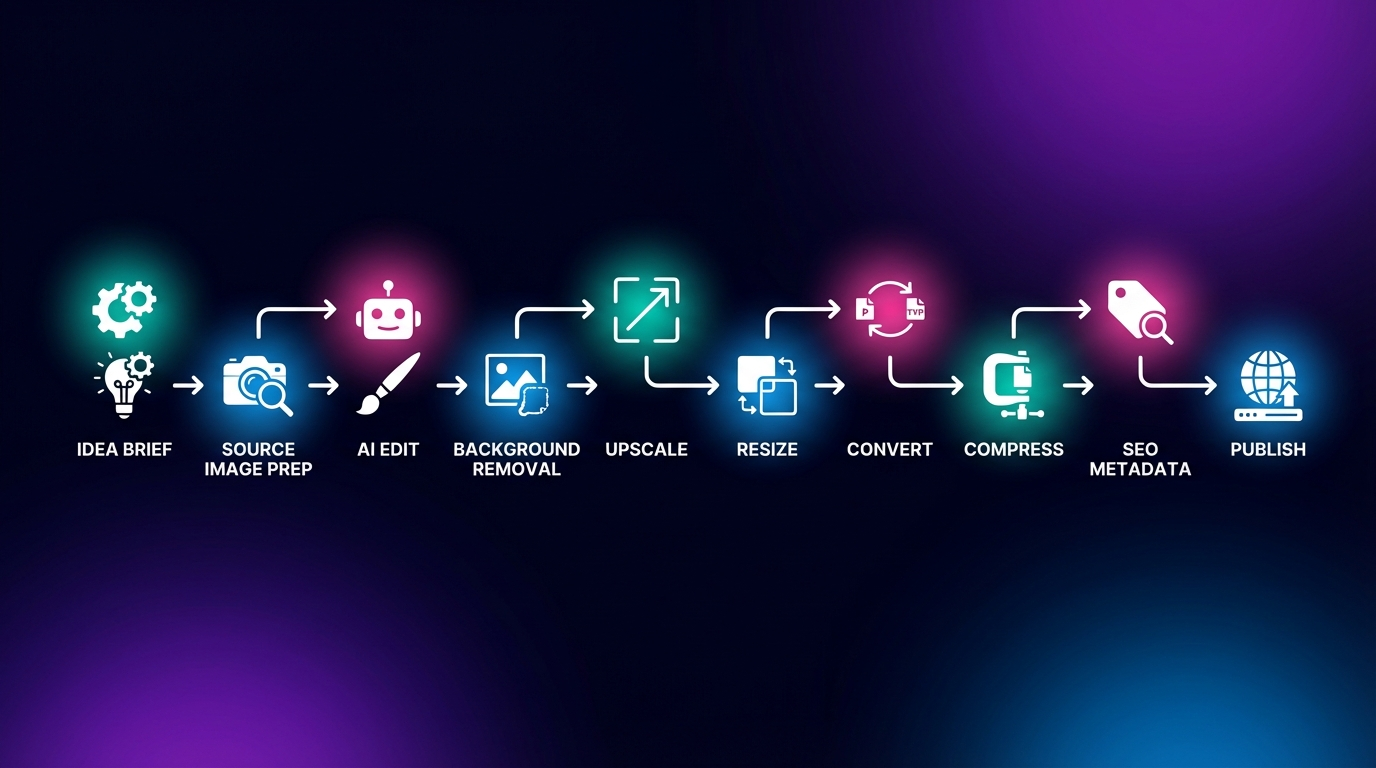
The complete AI image editing workflow (step by step)
Step 1: Define intent before generating or editing
Before touching any tool, define the page intent in one line.
- Is the image for a tutorial step?
- Is it for trust building on a product page?
- Is it for SEO support in a long-form article?
A strong intent statement avoids random edits and keeps teams aligned.
Template:
This image exists to help [audience] understand [specific value] in under 3 seconds.
Step 2: Prepare source files for AI editing
Good AI output starts with clean input.
- Prefer high-resolution source files when available
- Remove obvious noise before advanced edits
- Keep one untouched original as baseline
- Use predictable naming from the start
Recommended naming format in 2026:
[topic]-[intent]-[platform]-v01-source
[topic]-[intent]-[platform]-v02-edit
[topic]-[intent]-[platform]-v03-final
This sounds simple, but it eliminates expensive confusion during approvals.
Step 3: Remove background where focus matters
If the subject is diluted by noise, the content underperforms.
Use background removal when:
- Product focus is essential
- Tutorial visuals need clarity
- Comparison graphics require clean isolation
For this step, your team can use Remove Background to standardize cutouts quickly.
Step 4: Improve detail with AI upscale only when needed
Do not upscale everything automatically. Upscale selectively.
Use AI upscaling when:
- Original source is too small for target layout
- You need cleaner edges for product visuals
- You are reusing legacy assets from old campaigns
You can run this through AI Upscale and keep a quality check after every upscale.
Step 5: Align style and color to your page context
An image can be technically perfect and still visually wrong for the section.
Adjust:
- Contrast for readability
- Saturation for brand tone
- Warm/cool balance for consistency across a series
Avoid over-processing. The goal is clarity, not visual noise.
Step 6: Resize for real layout sizes
One of the biggest 2026 mistakes is shipping desktop-sized images to mobile sections.
Always export for real containers.
- Hero image widths should match actual max layout width
- Inline blog images should target content column width
- Thumbnail exports should be aggressively optimized
Use Resize Image before final compression.
Step 7: Convert to modern delivery formats
Format choice changes performance immediately.
Practical rule set:
- AVIF for high compression where quality remains stable
- WebP as broad compatibility fallback
- PNG only when transparency + sharp edges are mandatory
- JPG only when workflow constraints require it
Use Convert Image and test final appearance on real screens.
Step 8: Compress based on context, not one global value
Do not use one compression value for all assets.
Create bands by use case:
- Hero visual: quality priority
- In-article supporting visual: balanced
- Card thumbnail: aggressive compression
Run final pass in Compress Image.
Step 9: Add SEO-ready metadata signals
Image SEO in 2026 is still mostly about relevance and clarity.
Checklist:
- Filename includes intent keywords naturally
- Alt text describes the visual and page context
- Caption adds contextual relevance, not repetition
- Surrounding paragraph reinforces search intent
Alt text template:
[What is visible] + [why it matters in this section] + [topic context]Example:
AI image editing workflow dashboard showing background removal, upscaling, and AVIF export steps for a 2026 SEO content pipeline.
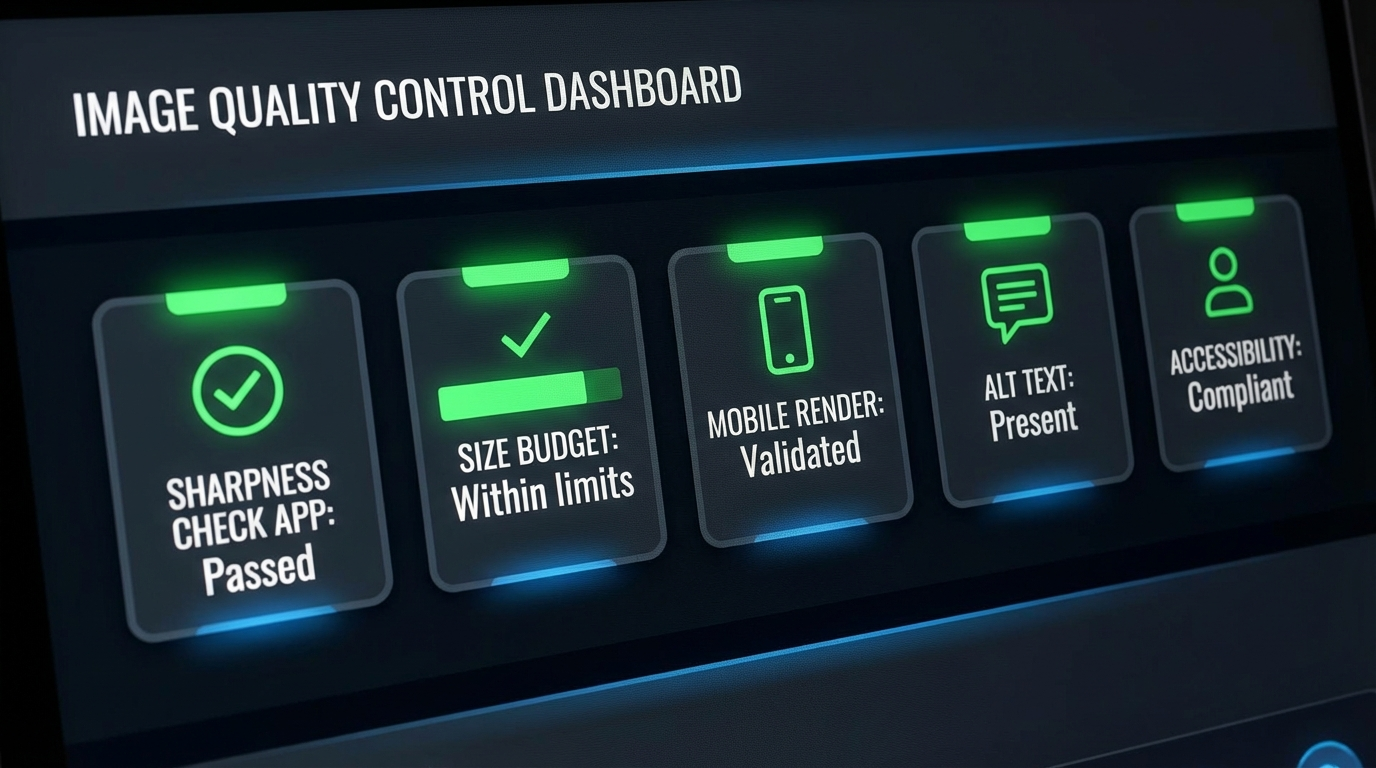
Step 10: Run a fast QA gate before publish
Your QA should take minutes, not hours.
- Visual check at 100% zoom
- Mobile rendering check
- File size check
- On-page load behavior check
- Accessibility check for alt text coverage
The best 2026 image stack for ConvertAndEdit users
If your team wants a low-friction stack inside one ecosystem, this sequence is reliable:
- AI Photo Editor for generation and creative edit
- Remove Background for focus cleanup
- AI Upscale for detail recovery
- Resize Image for target layout sizes
- Convert Image for AVIF/WebP/JPG strategy
- Compress Image for final payload optimization
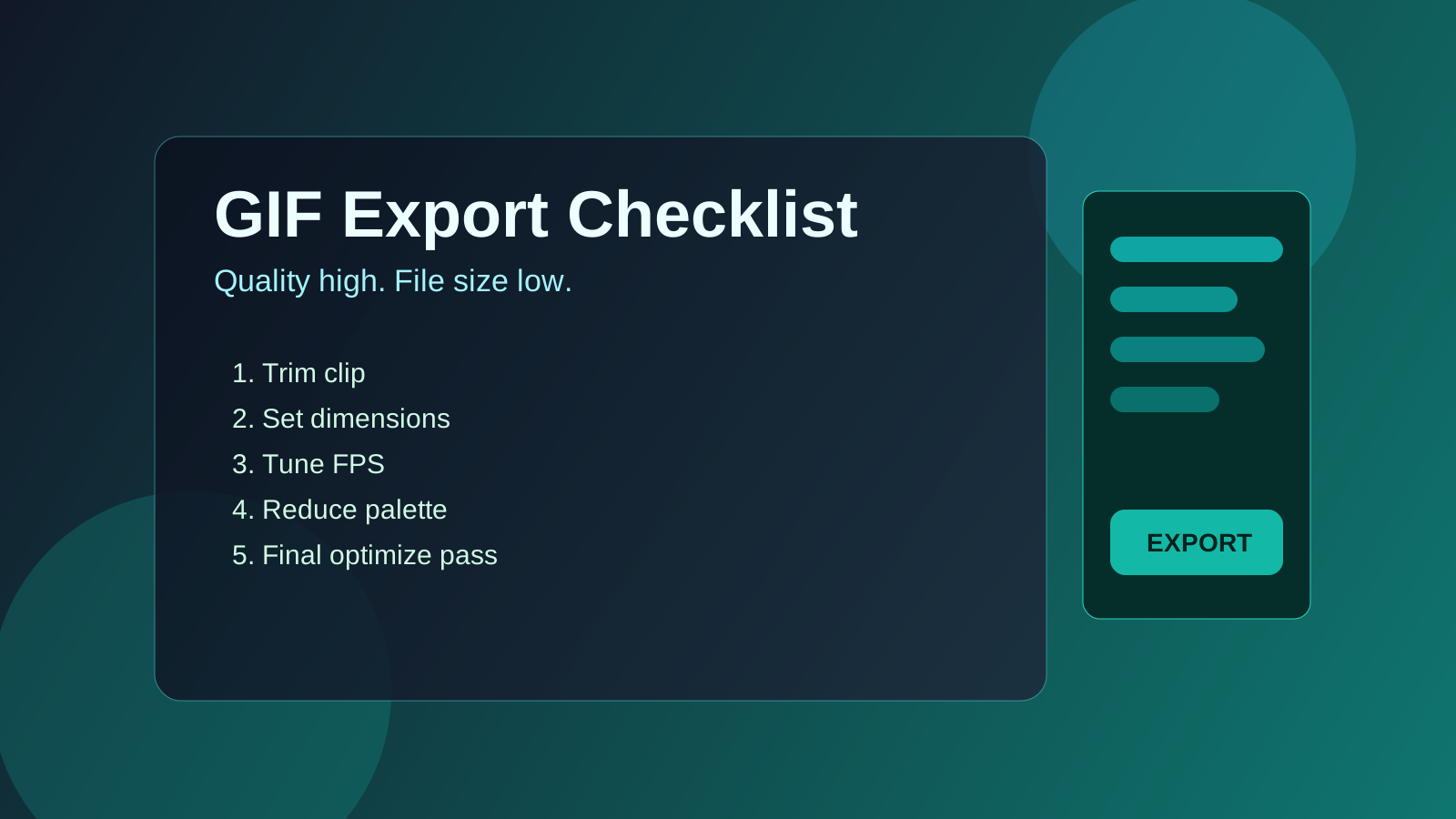
For social and animated content extensions, use:
This creates one repeatable production line instead of disconnected micro-tools.
Advanced SEO strategy for images in 2026
1. Map images to search intent clusters
Do not add visuals randomly. Map each image to a user question.
- Informational intent: diagrams, process graphics, before/after examples
- Commercial intent: product quality comparisons, value snapshots
- Transactional intent: clean product/feature visuals, trust cues
2. Build internal consistency between heading, image, and caption
If your H2 is about "AI image optimization workflow," your nearby image context should support that phrase family naturally.
That helps both readers and search engines understand semantic relevance.
3. Use versioned content image libraries
Create a controlled library for evergreen articles.
- Keep master prompt references
- Keep source and export versions
- Keep notes on which assets improved CTR or engagement
This is how you compound performance over time.
4. Protect Core Web Vitals during design-heavy pages
High visual quality is useless when LCP suffers.
Keep practical thresholds:
- Above-the-fold image payload controlled
- Lazy-load non-critical visuals
- Avoid oversized placeholder skeletons
- Test real devices, not only desktop previews
5. Connect image updates to article refresh cycles
When you update statistics, workflow steps, or tools, update visuals too. Old screenshots and stale style cues reduce trust quickly.
A practical team operating model
Most content teams fail because ownership is unclear.
A simple model:
- Strategist: defines search intent + section structure
- Designer/Editor: creates and refines visual assets
- SEO reviewer: checks metadata, context alignment, performance impact
- Publisher: final QA + deployment
This prevents last-minute confusion and keeps turnaround predictable.

Common mistakes that still hurt performance in 2026
Mistake 1: Overusing AI styles without brand control
AI can generate quickly, but without style constraints your visual identity becomes inconsistent.
Mistake 2: Skipping mobile-first checks
Desktop-pretty images can fail on smaller screens.
Mistake 3: No fallback format strategy
Relying on one modern format without fallback planning can cause delivery issues.
Mistake 4: Ignoring accessibility in visual-heavy pages
Alt text quality and semantic context remain critical.
Mistake 5: Treating compression as a final emergency step
Optimization should be part of the workflow, not a post-launch panic task.
Editorial template: image section block for long-form SEO pages
Use this repeatable section blueprint in your own articles:
- Intent statement for the section
- Visual placeholder or final image
- One short explanatory paragraph
- One action checklist
- One internal tool link
This creates readable rhythm and stronger scanability, especially for long content.
Example section checklist
- Purpose of the visual is clear
- Caption supports the section keyword family
- Alt text adds context beyond filename
- Export format matches intent (AVIF/WebP/JPG)
- Final size passes page speed threshold
Performance benchmarks you can use right now
These are practical, not absolute. Adjust by niche.
| Asset Type | Typical Width | Suggested Output | Target Size Range |
|---|---|---|---|
| Blog hero image | 1400-1800px | AVIF/WebP | 140-320 KB |
| In-content tutorial visual | 900-1200px | WebP/AVIF | 90-220 KB |
| Comparison thumbnail | 600-800px | WebP | 45-120 KB |
| Transparent product cutout | 800-1200px | PNG/WebP alpha | 120-350 KB |
If your team tracks these ranges consistently, you get predictable performance gains.
Future-proofing your image pipeline beyond 2026
The next phase is not only better generation. It is better orchestration.
Expect to see more teams adopt:
- Prompt templates tied to content types
- Automated variant generation per layout block
- Dynamic delivery by device/context
- Stronger integration between CMS and asset quality policies
Teams that define standards now will ship faster later with less rework.
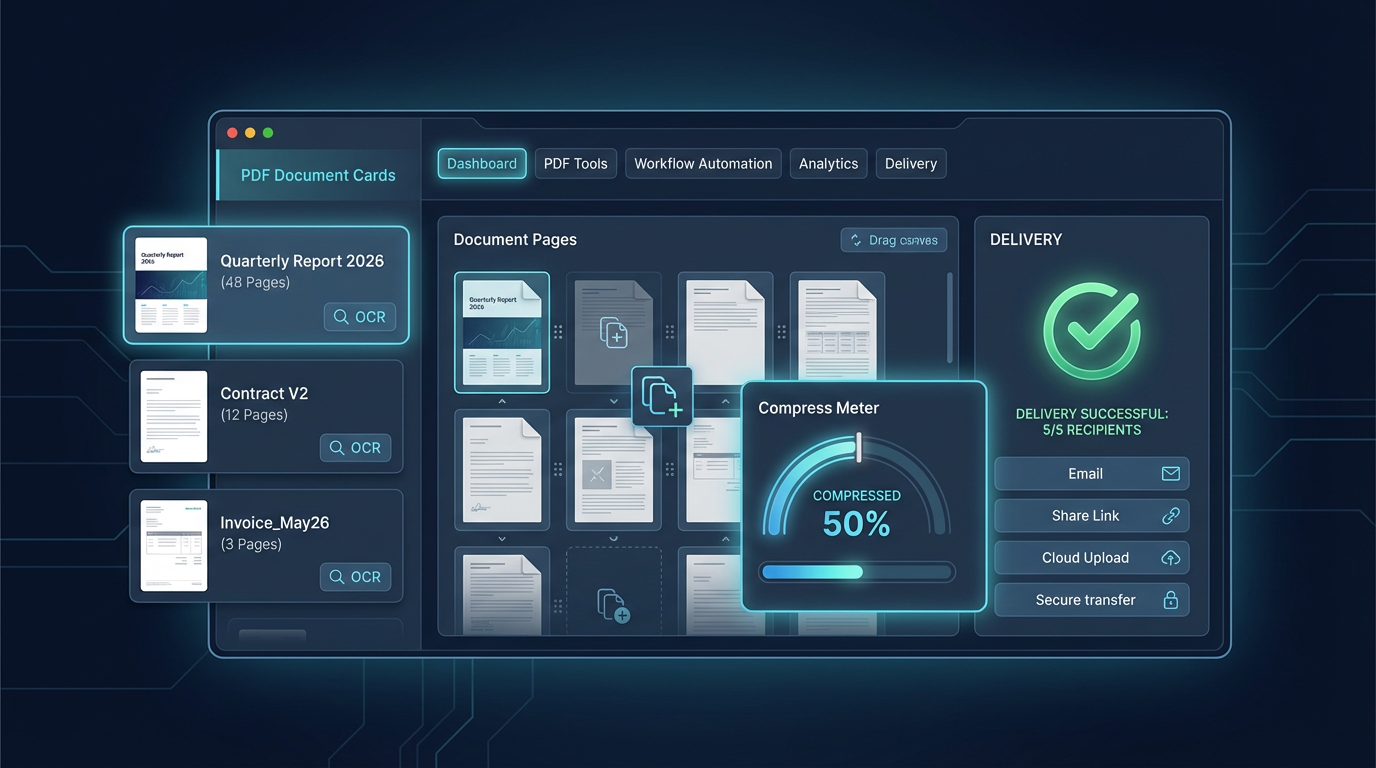
AI image prompts you can use to replace the placeholders
Below are copy-ready prompts for your image generator. They are written to match this article's style and SEO context.
Prompt 1: Hero image
Create a modern editorial hero illustration for a 2026 AI image editing workflow article. Show a clean dashboard with modules labeled background removal, AI upscale, resize, AVIF/WebP export, and SEO checklist. Professional SaaS style, teal and deep blue color palette, high clarity, wide composition 16:9, no brand logos, no gibberish text, realistic UI depth, subtle lighting.Prompt 2: Workflow map section
Design a process diagram style visual for content teams: idea brief -> source image prep -> AI edit -> background removal -> upscale -> resize -> convert -> compress -> SEO metadata -> publish. Minimal modern infographic style, high contrast, white labels, soft gradients, editorial tech aesthetic, 16:9 ratio.Prompt 3: QA checklist section
Generate a realistic product-style dashboard screenshot illustration showing image quality control metrics: sharpness pass, size budget pass, mobile render pass, alt text pass, accessibility pass. Modern UI, dark-neutral background, green status indicators, no company branding, sharp readable labels, 16:9.Prompt 4: SEO pipeline section
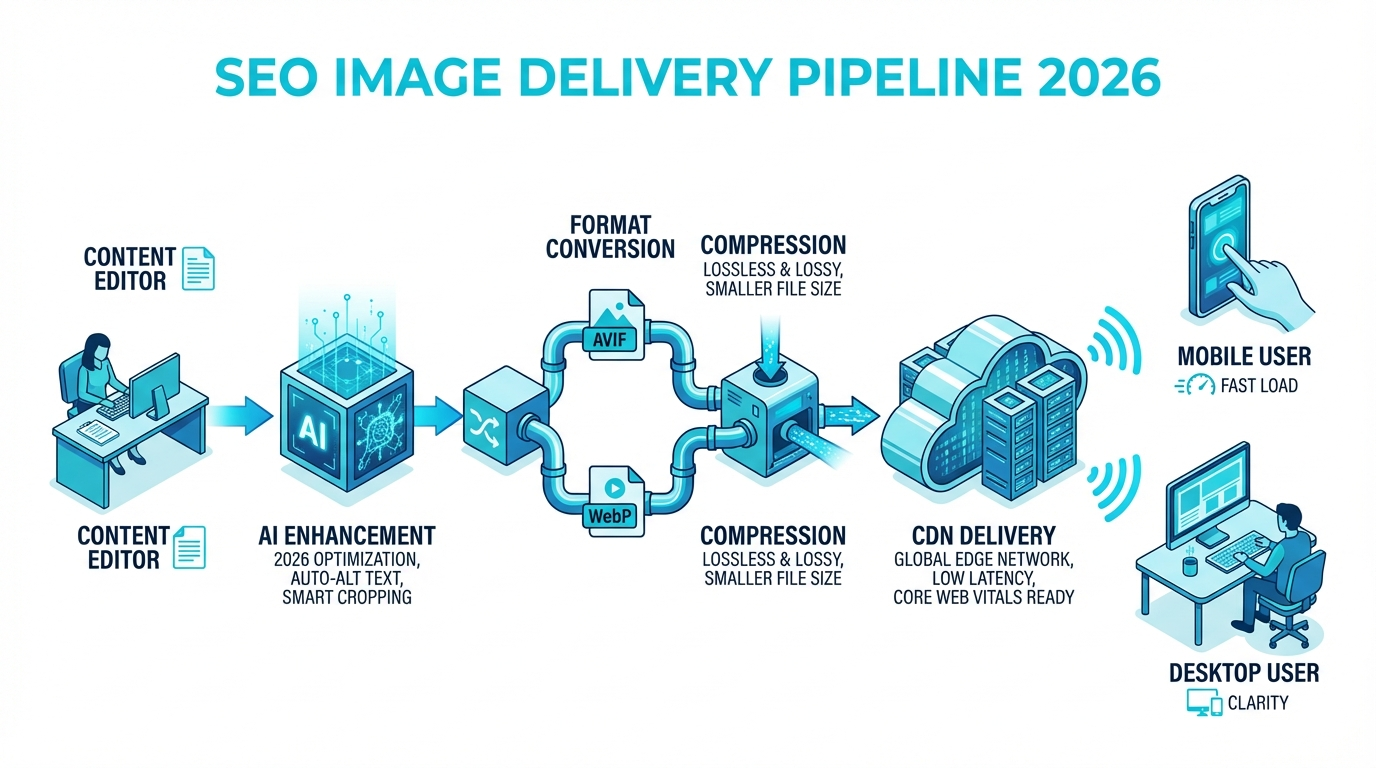
Create a visual of an SEO image delivery pipeline in 2026: content editor, AI enhancement, format conversion (AVIF/WebP), compression, CDN delivery, mobile user and desktop user endpoints. Isometric style, professional B2B tone, cyan/blue palette, clean composition, 16:9.Prompt 5: Team production scene
Illustrate a small content team collaborating on AI image production. Show one screen with analytics, one with image editor, one with SEO checklist. Professional startup office mood, realistic lighting, modern SaaS aesthetic, diverse team, no logos, 16:9.Final takeaway
The teams winning with visual content in 2026 are not necessarily the teams with the biggest design budgets. They are the teams with the clearest systems.
If you apply this workflow, you get:
- Faster production cycles
- Better visual consistency
- Stronger SEO relevance
- Better page speed outcomes
Start with one article, one workflow board, and one quality checklist. Then scale it across your content library.
When your process is repeatable, your growth is repeatable.