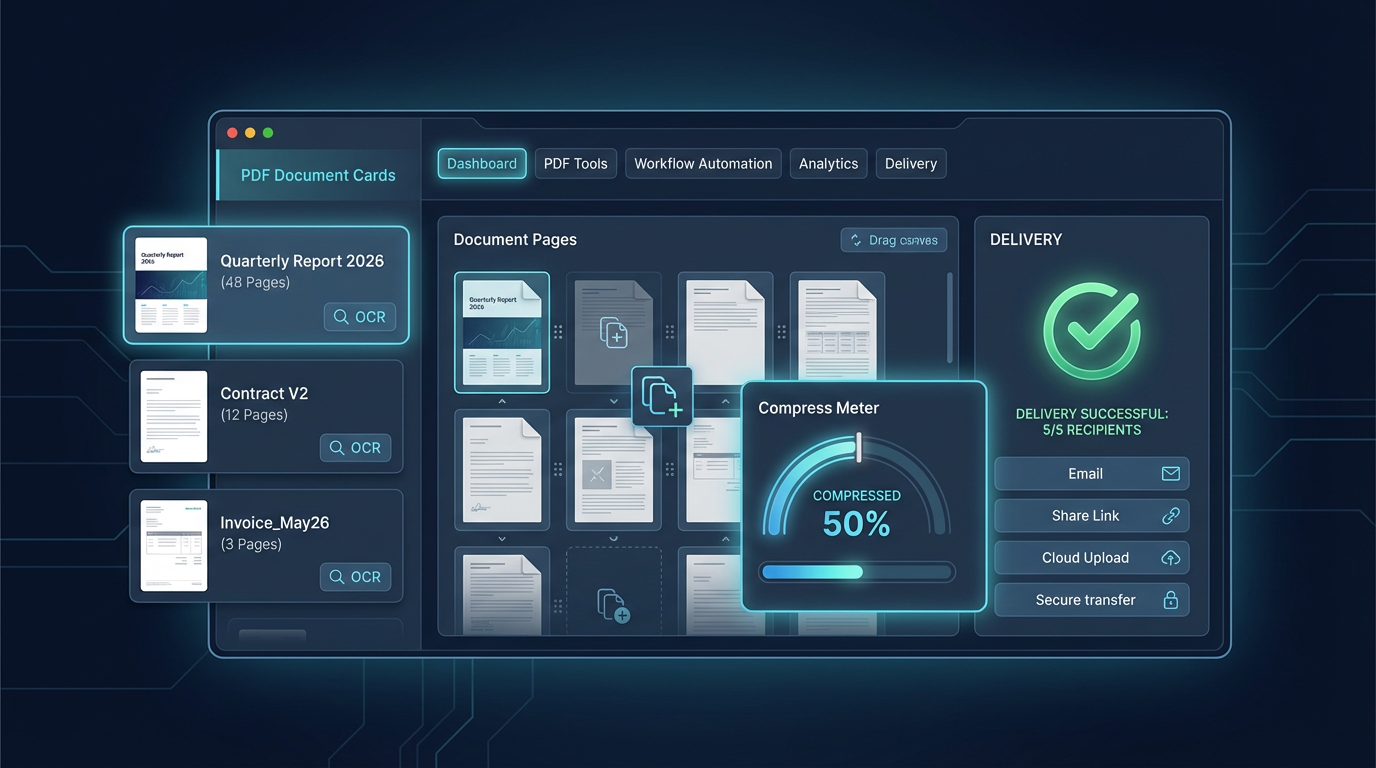
PDF Workflows for Teams: Merge, Compress, OCR, and Share
A practical PDF workflow for support, operations, and marketing teams that need fast document preparation without manual chaos.
PDF Workflows for Teams: Merge, Compress, OCR, and Share
PDF work often becomes messy because teams mix personal habits instead of following one process. A shared workflow saves hours every week.
Recommended order
Always run operations in this order unless there is a legal reason not to:
- Merge files in correct page sequence
- Remove unwanted pages
- Run OCR for scanned documents
- Compress to target size
- Apply protection or permissions
Why order matters
If you compress before OCR, text recognition can become less accurate. If you apply protection too early, teammates cannot finish edits.
Naming convention that avoids confusion
Use predictable filenames during processing:
projectname_v01_raw.pdfprojectname_v02_ocr.pdfprojectname_v03_final.pdf
This avoids accidental overwrites and makes approvals easier.
Quick QA before sending
- Confirm page count
- Confirm text search works
- Confirm links are clickable
- Confirm final size target
- Confirm permissions are correct
When every team member follows the same checklist, PDF turnaround gets faster and errors drop quickly.