
Subtitle-Safe Vertical Video Crops for Product Demos
Learn how to turn landscape product demos into vertical clips without cutting off subtitles, interface details, gestures, or the visual context viewers need.
Read article ›
Video Tools guides, tutorials and workflow articles from ConvertAndEdit.
Learn how to turn landscape product demos into vertical clips without cutting off subtitles, interface details, gestures, or the visual context viewers need.
Read article ›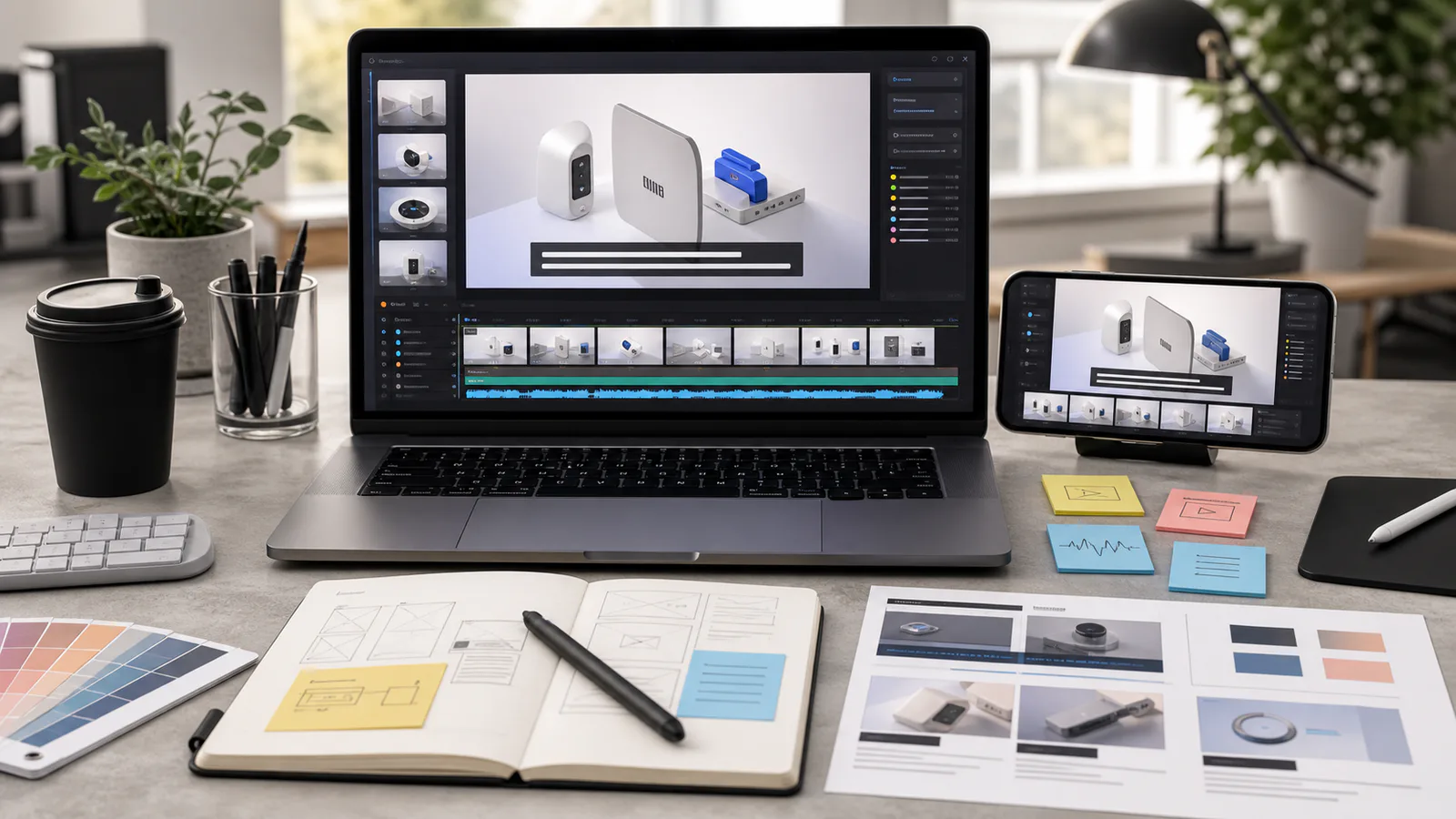
A practical guide for preparing readable burned-in subtitles on short product demo videos used in landing pages, help docs, launch posts, and ads.
Read article ›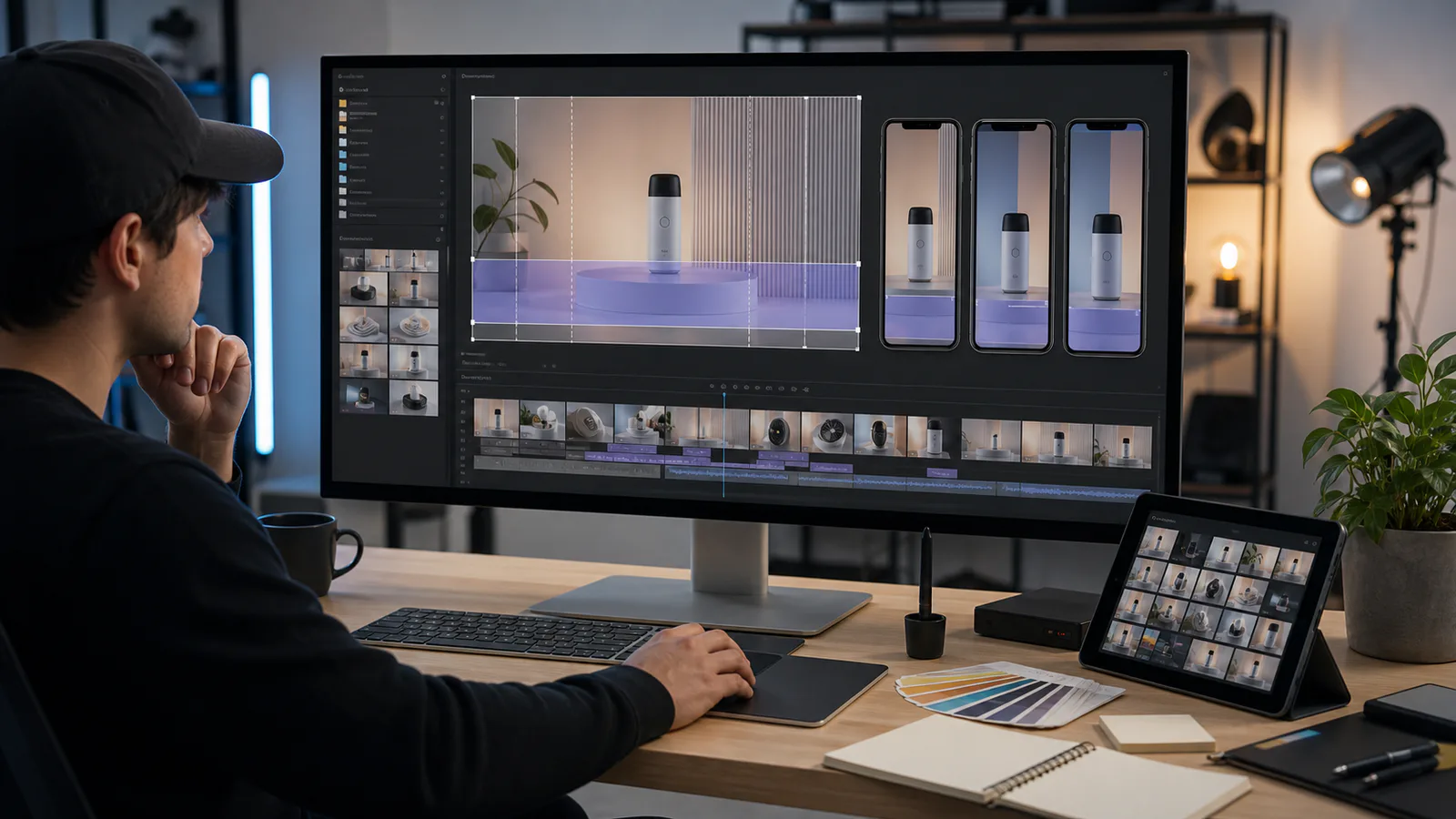
A practical guide for cropping product demo videos into vertical clips without cutting off subtitles, UI labels, captions, faces, or key interaction details.
Read article ›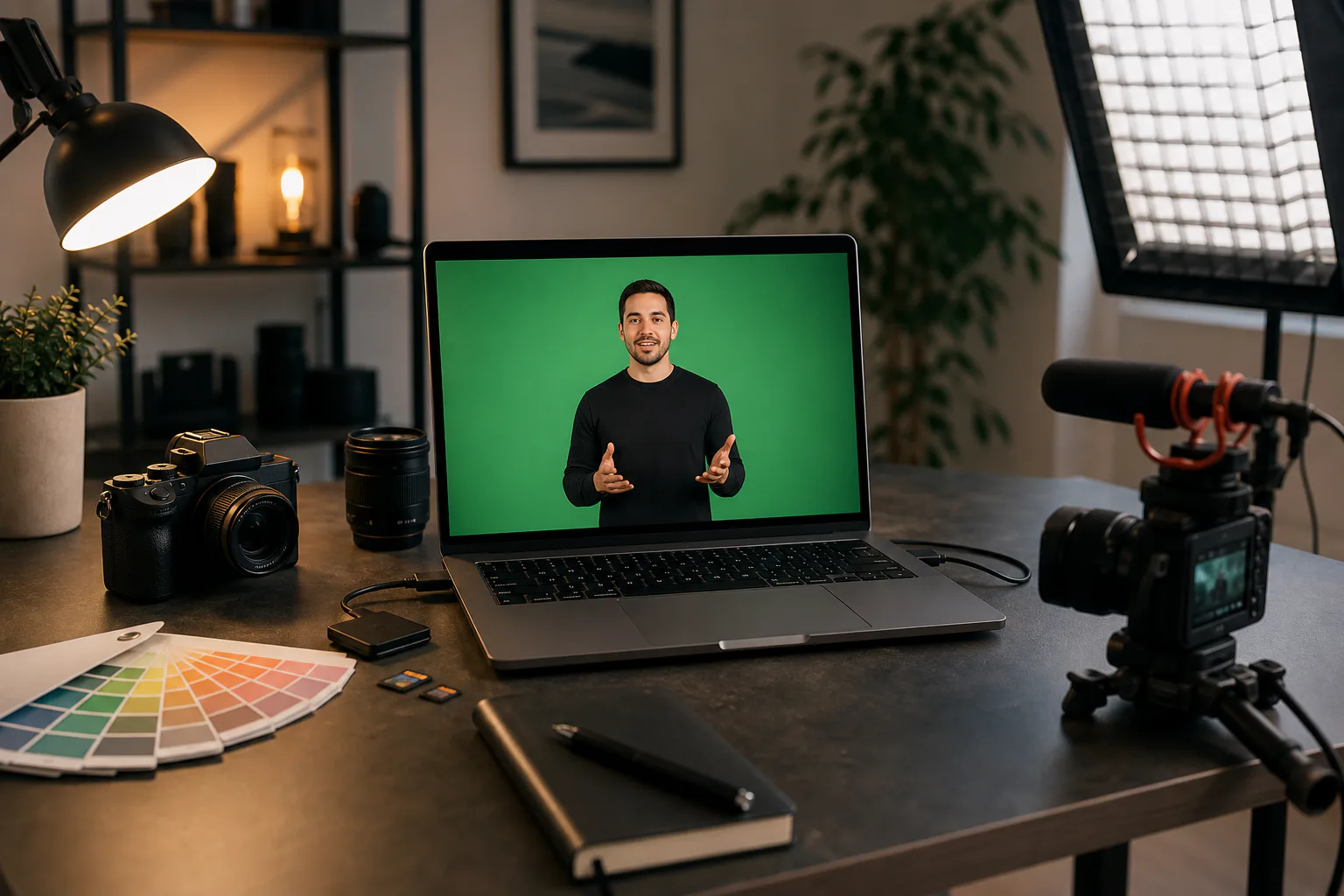
A practical guide for small teams cleaning green screen explainer footage, from backdrop checks and edge repair to compression, subtitles, thumbnails, and delivery files.
Read article ›
Prepare vertical product demo clips that stay readable on mobile landing pages, with subtitle-safe framing, crop checks, compression choices, and export rules.
Read article ›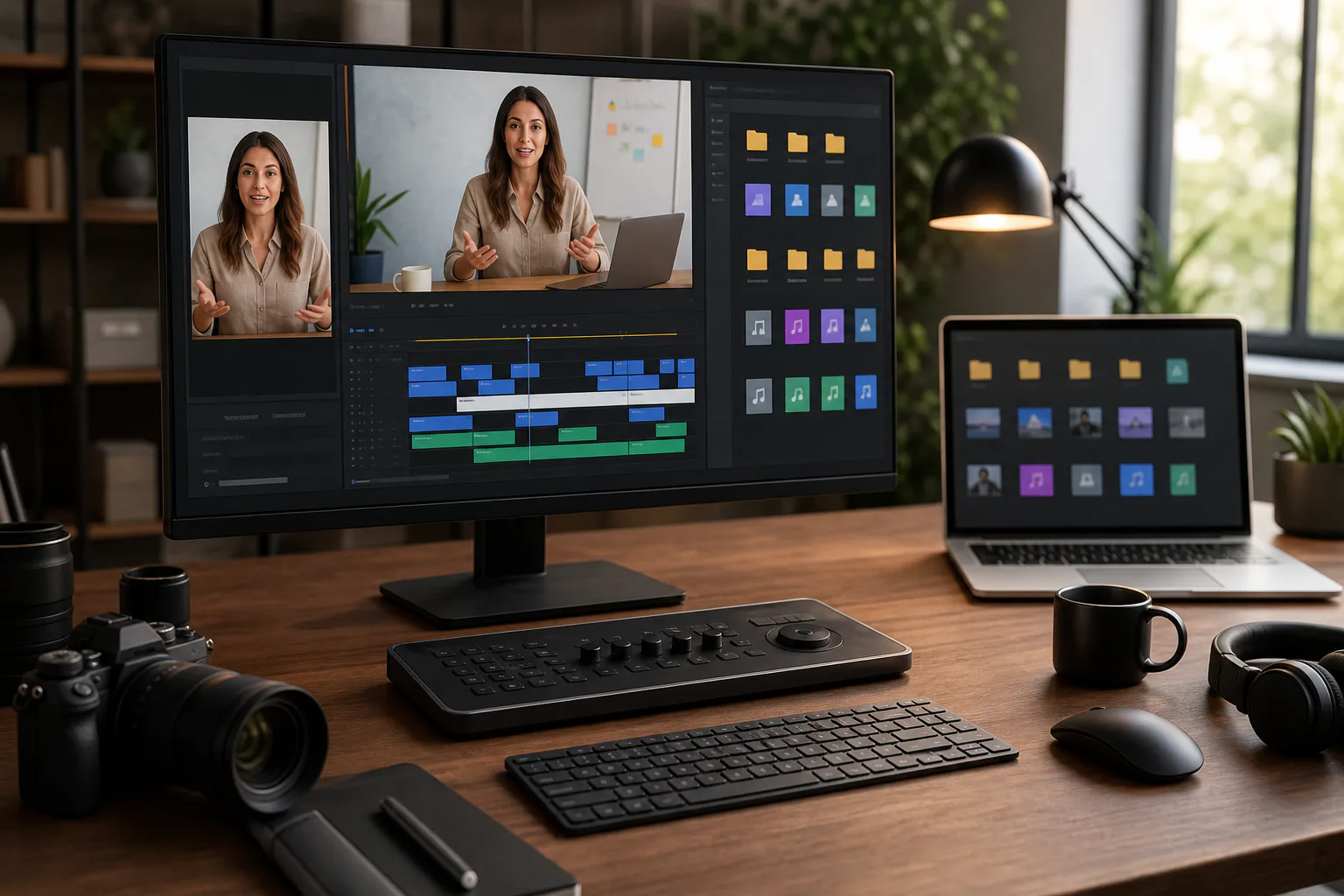
A practical workflow for turning recorded webinar answers into short, captioned social proof clips that work without sound on landing pages, email, and social feeds.
Read article ›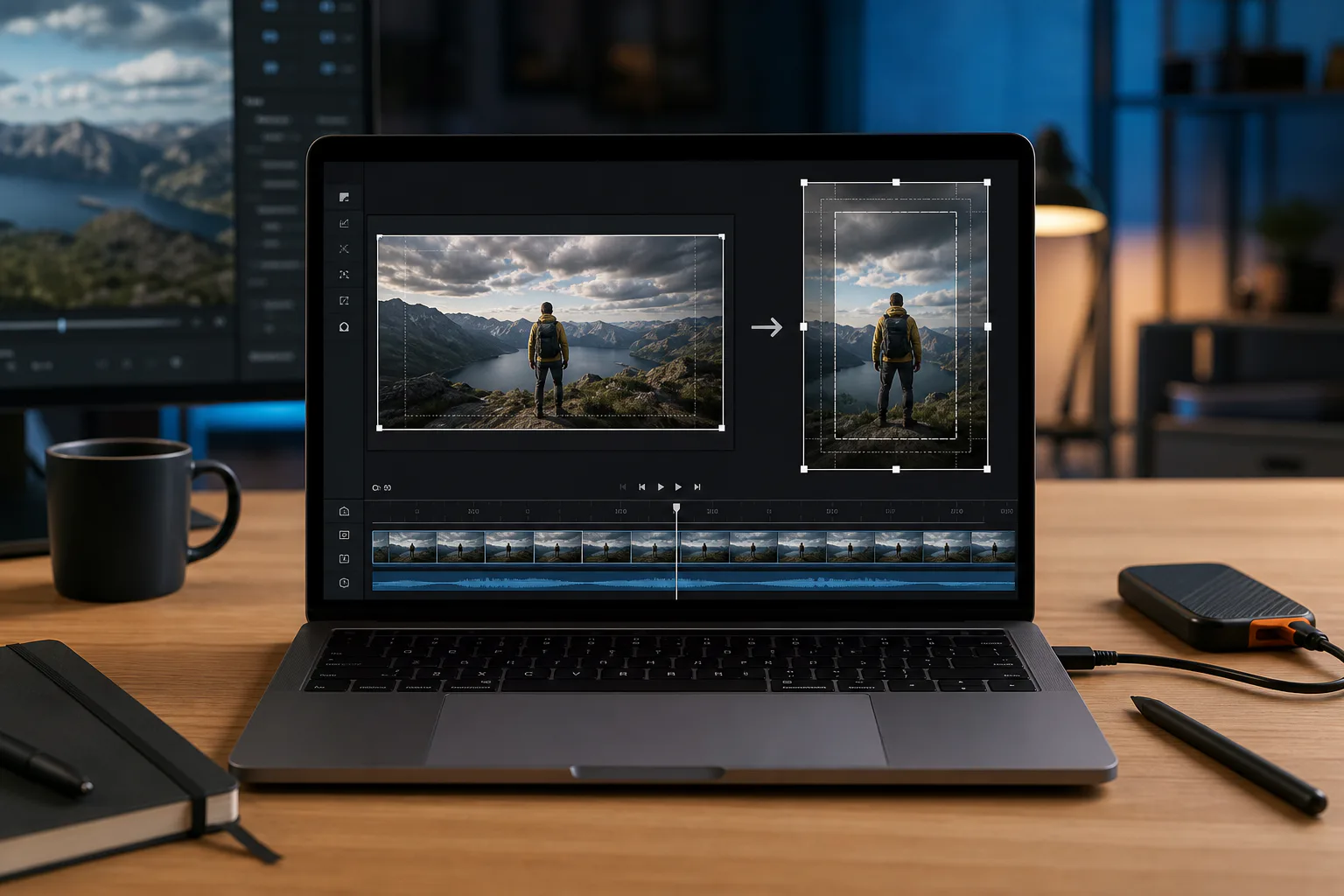
A practical workflow for turning landscape product demo recordings into vertical clips without cutting off captions, cursors, UI labels, or key product moments.
Read article ›
A lightweight video workflow for teams that need fast social clips: trim accurately, generate subtitles, and publish in multiple aspect ratios.
Read article ›