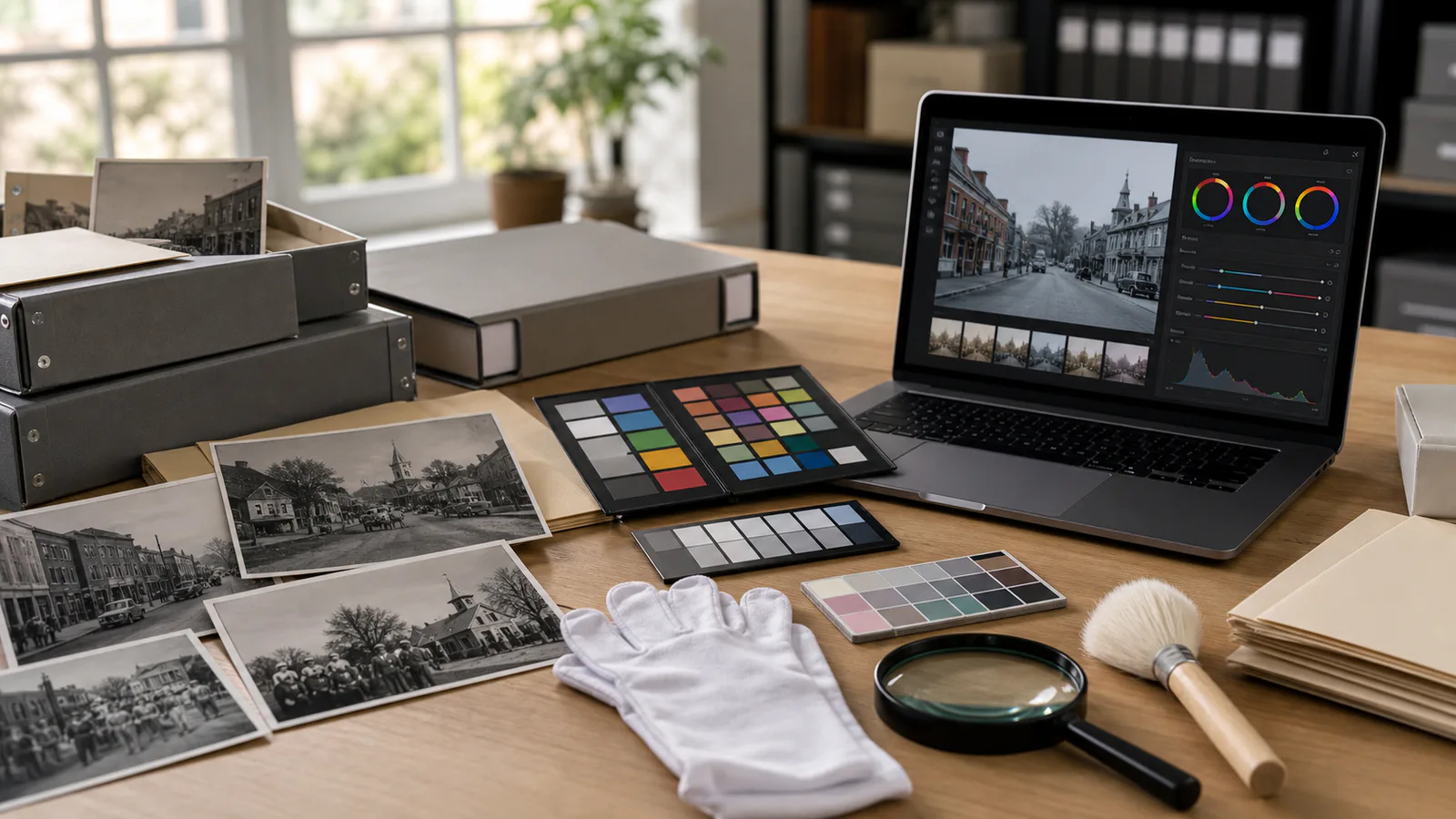
Archive Photo Colorization Guardrails for Local History Collections
A practical guide for libraries, museums, and local history groups preparing colorized archive photos without damaging trust, metadata, or preservation copies.
Read article ›
Learn about image optimization, video editing, GIF creation, and web performance. Expert tutorials and tips for using ConvertAndEdit tools effectively.
A practical guide for libraries, museums, and local history groups preparing colorized archive photos without damaging trust, metadata, or preservation copies.
Read article ›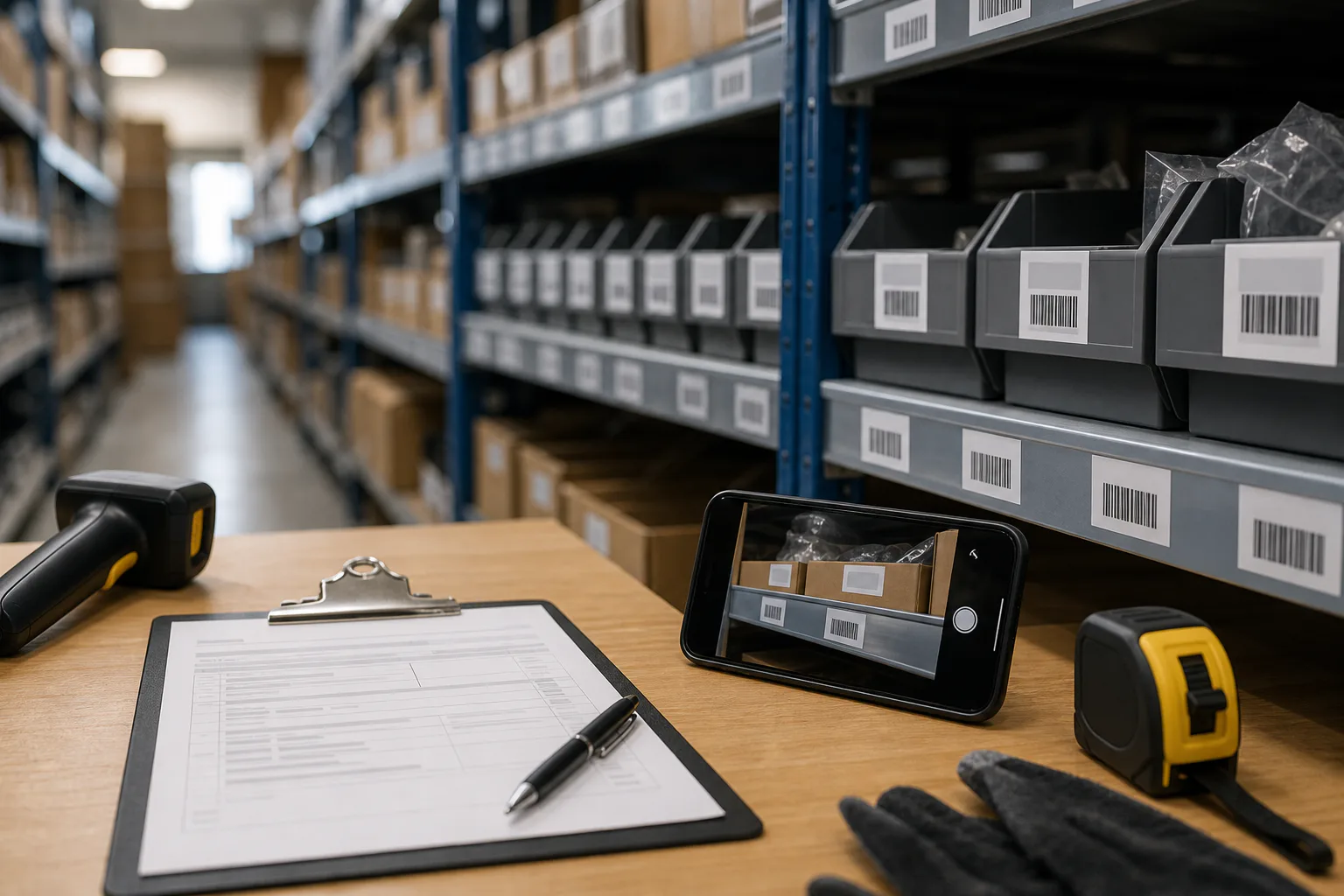
A practical guide for turning rushed shelf label photos into cleaner OCR notes, count sheets, and searchable PDFs for stockrooms, retail aisles, and small warehouses.
Read article ›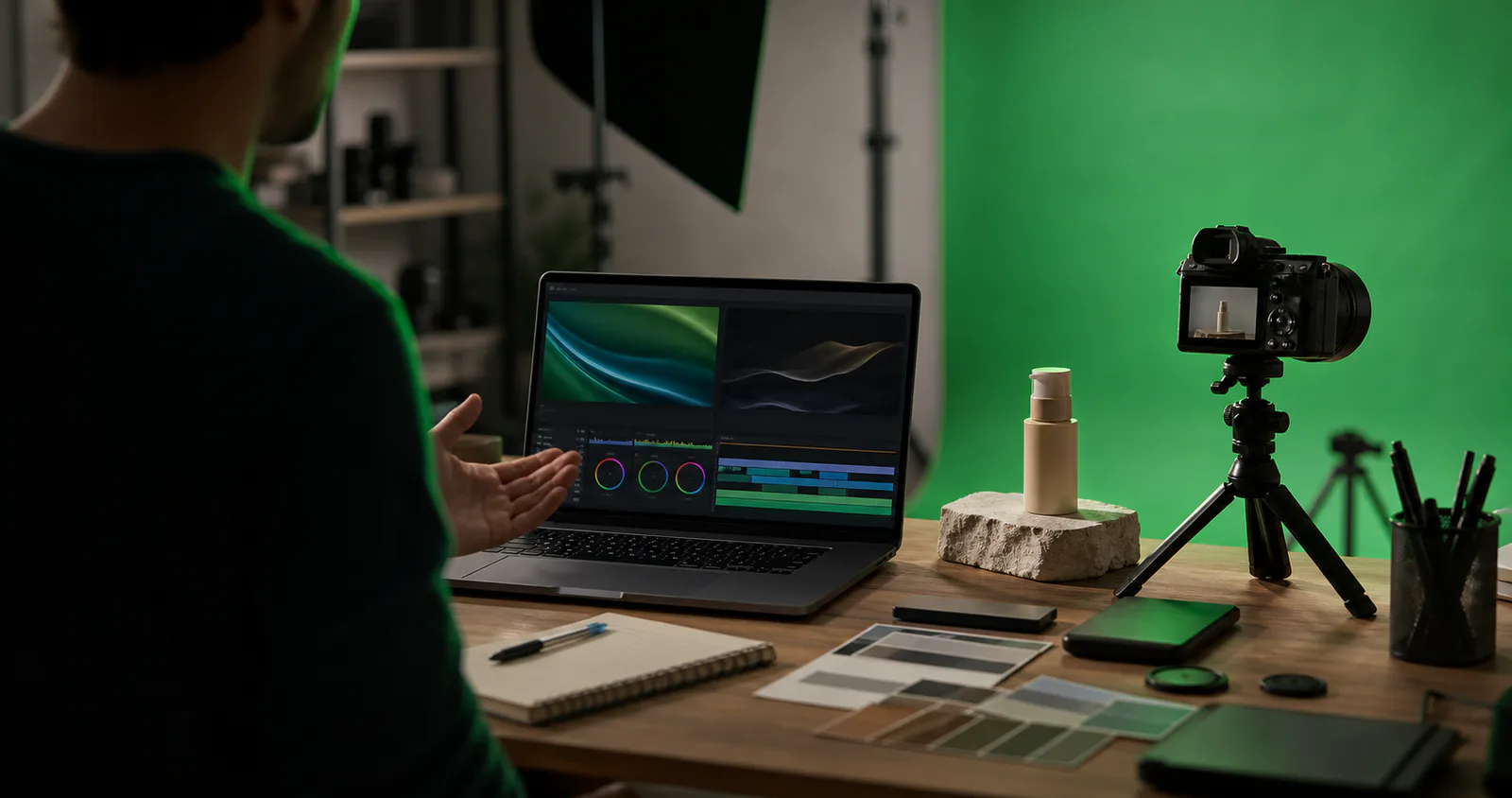
A practical guide for removing green screen spill from product explainer frames, thumbnails, help center assets, and short demos without making people or products look artificial.
Read article ›
Build clear, compact screenshot evidence packs for WCAG contrast reviews, with capture rules, OCR cleanup, annotation habits, and PDF handoff tips.
Read article ›
Learn how facility teams can turn fire door inspection photos into clean, searchable PDF packets with readable labels, consistent sizing, OCR, and compact file sizes.
Read article ›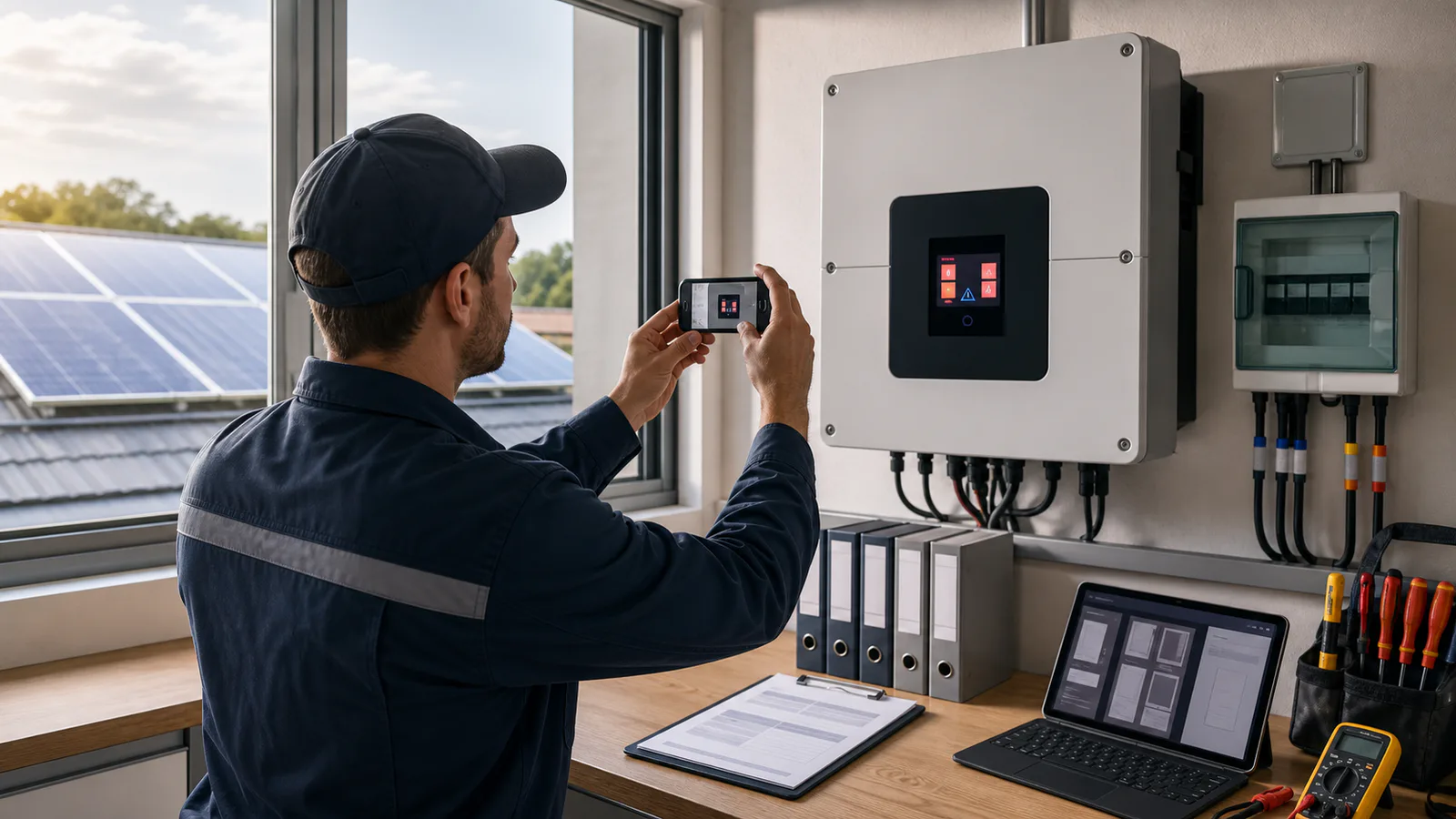
A practical guide for turning glare-heavy solar inverter fault screen photos into readable, searchable service records for maintenance logs and partner handoffs.
Read article ›
A practical guide for turning water, gas, and electric meter photos into readable, searchable property turnover records without losing key numbers.
Read article ›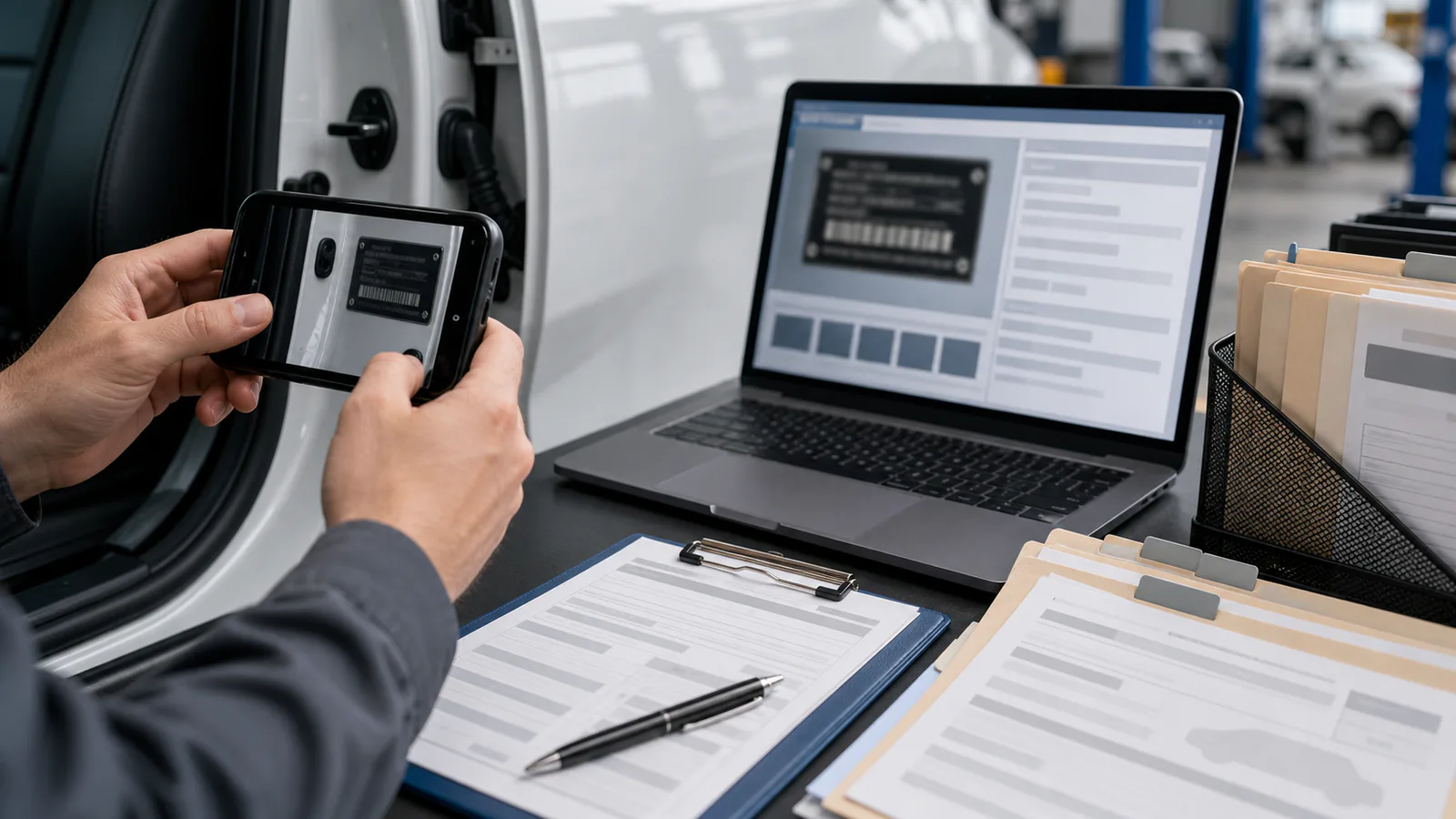
A practical guide for turning VIN plate and door-jamb photos into cleaner OCR results, searchable PDFs, and review-ready intake records for fleet teams.
Read article ›
Turn busy app screenshots with alerts, menus, badges, and annotations into cleaner OCR text for bug reports, QA notes, support escalations, and searchable PDFs.
Read article ›
A practical guide for preparing readable mobile-first technical screenshots, with capture rules, crop decisions, compression checks, and handoff standards for documentation teams.
Read article ›
Prepare screenshots for vendor security questionnaires without leaking sensitive data, blurring key evidence, or making UI details unreadable to reviewers.
Read article ›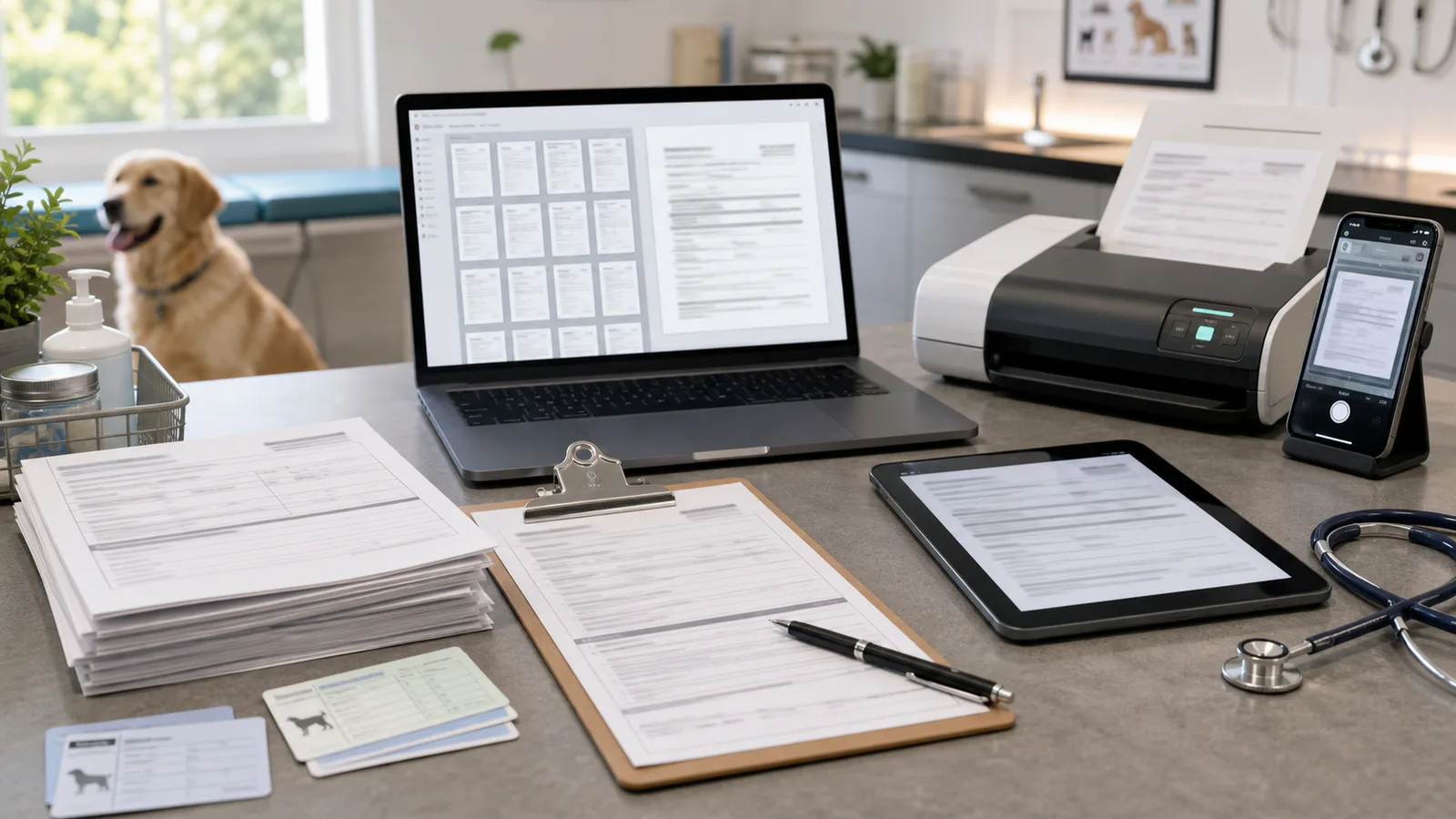
Turn photographed veterinary intake forms, vaccination cards, and consent sheets into readable searchable PDFs without losing signatures, stamps, or handwritten notes.
Read article ›
A practical guide for turning router, sensor, camera, and gateway firmware update screenshots into clean support packets that are readable, compressed, and easy to review.
Read article ›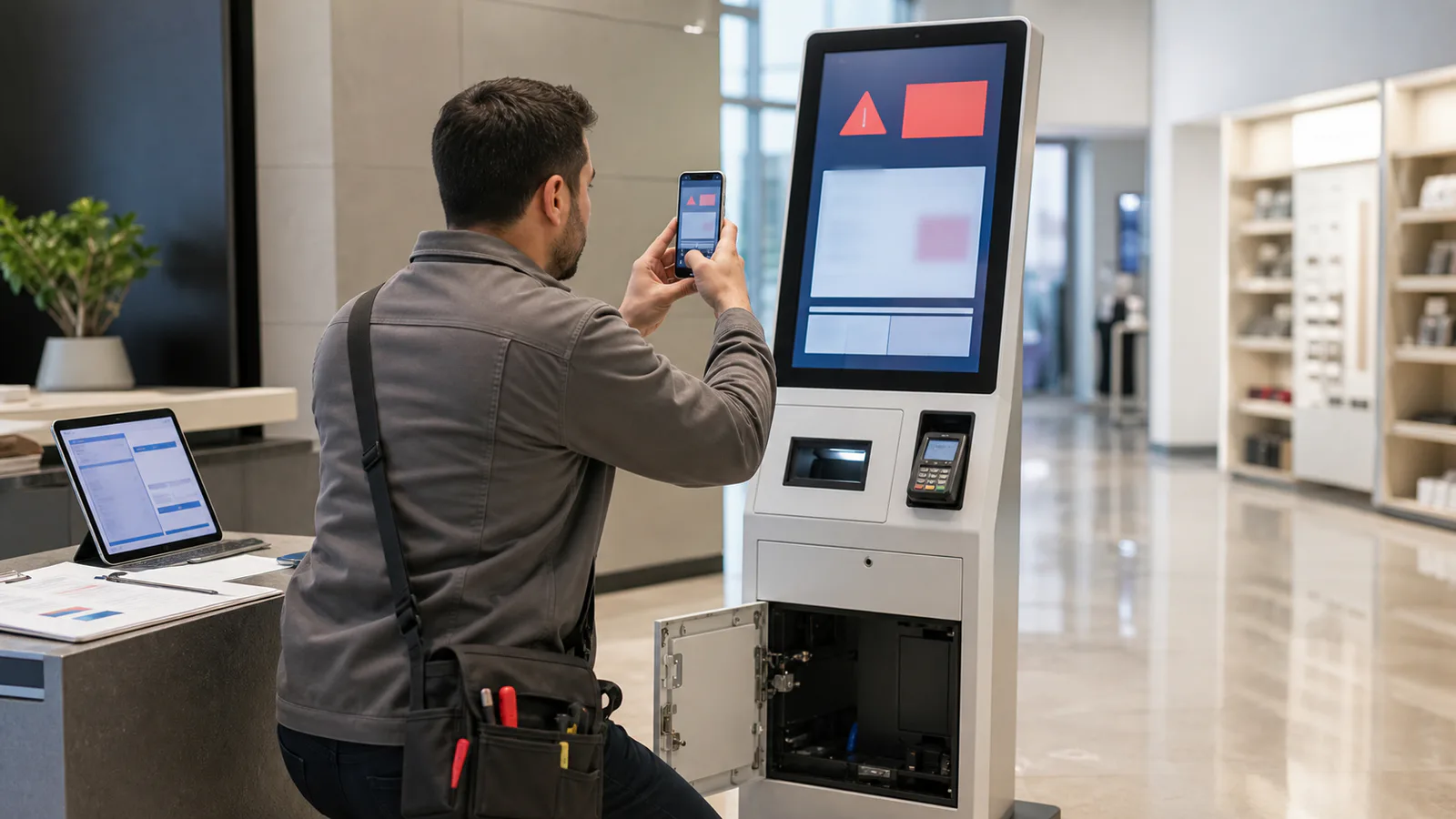
Turn blurry kiosk error screen photos into readable OCR notes, clean evidence images, and compact escalation packets for field service and support teams.
Read article ›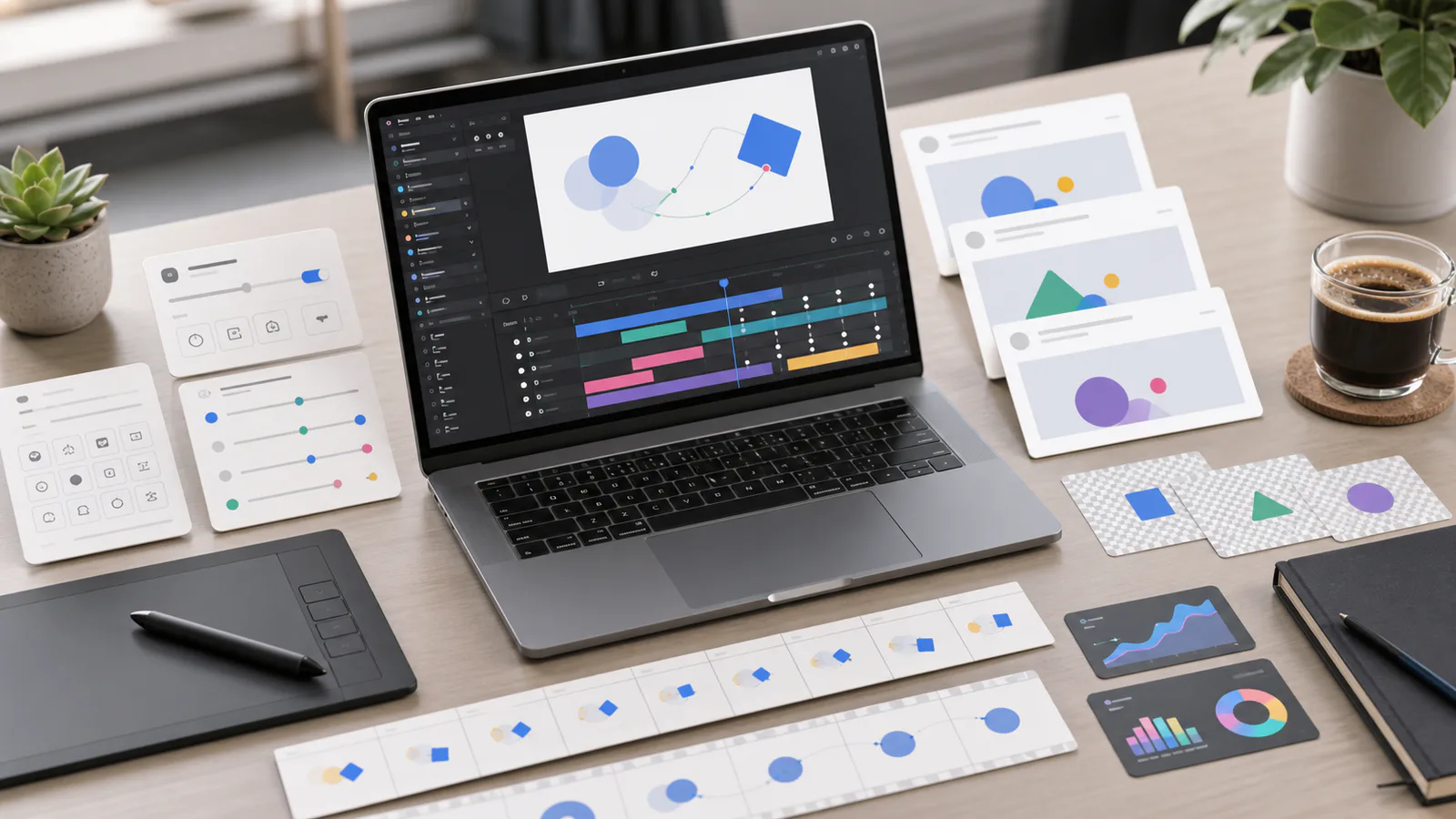
A practical guide to turning short Lottie-style product animations into crisp, lightweight GIF fallbacks for email, help centers, changelogs, and support articles.
Read article ›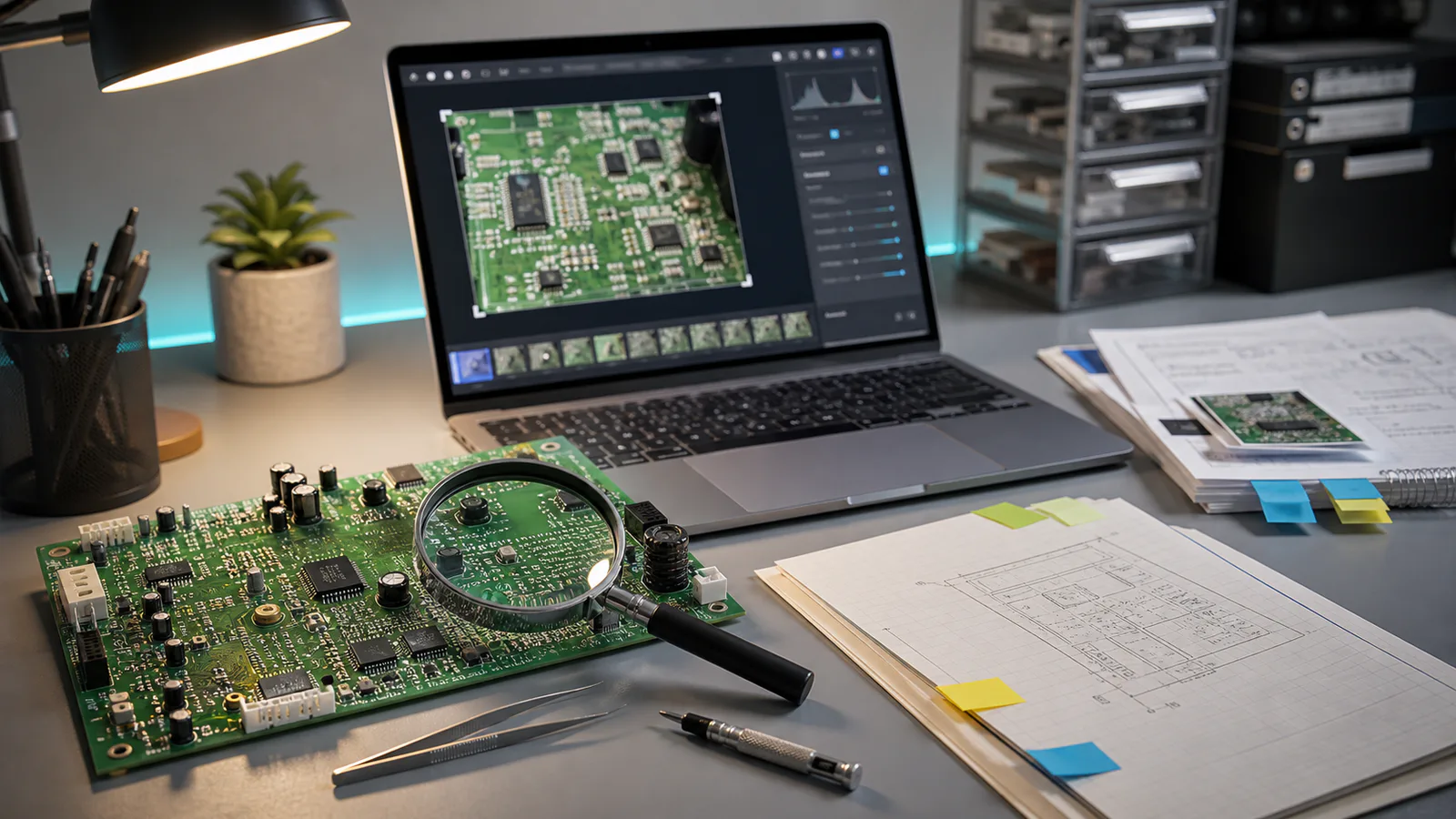
A practical guide for turning messy circuit board photos into readable OCR notes, searchable repair records, and clean PDF handoffs without losing tiny labels.
Read article ›
Prepare app icons, badges, and floating UI elements for crisp App Store and marketplace screenshots with transparency checks, resizing rules, and compression tips.
Read article ›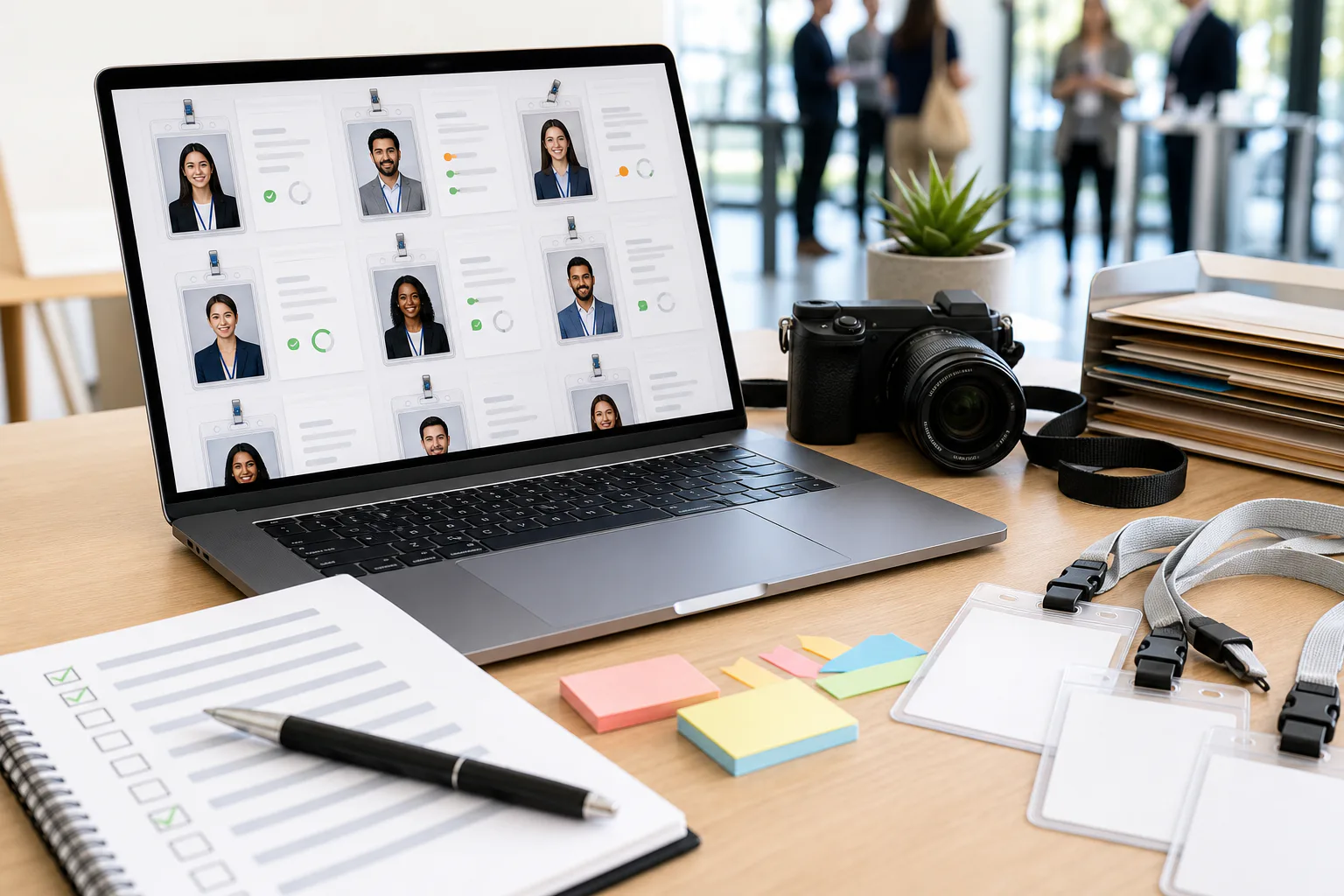
A practical guide for turning messy conference badge photos into cleaner OCR inputs, with capture tips, crop rules, file checks, and handoff notes for event teams.
Read article ›